We are committed to delivering high-quality LCD displays and digital signage solutions, combining reliable performance, competitive value, and professional support to help businesses communicate more effectively.
We are committed to delivering high-quality LCD displays and digital signage solutions, combining reliable performance, competitive value, and professional support to help businesses communicate more effectively.
 author
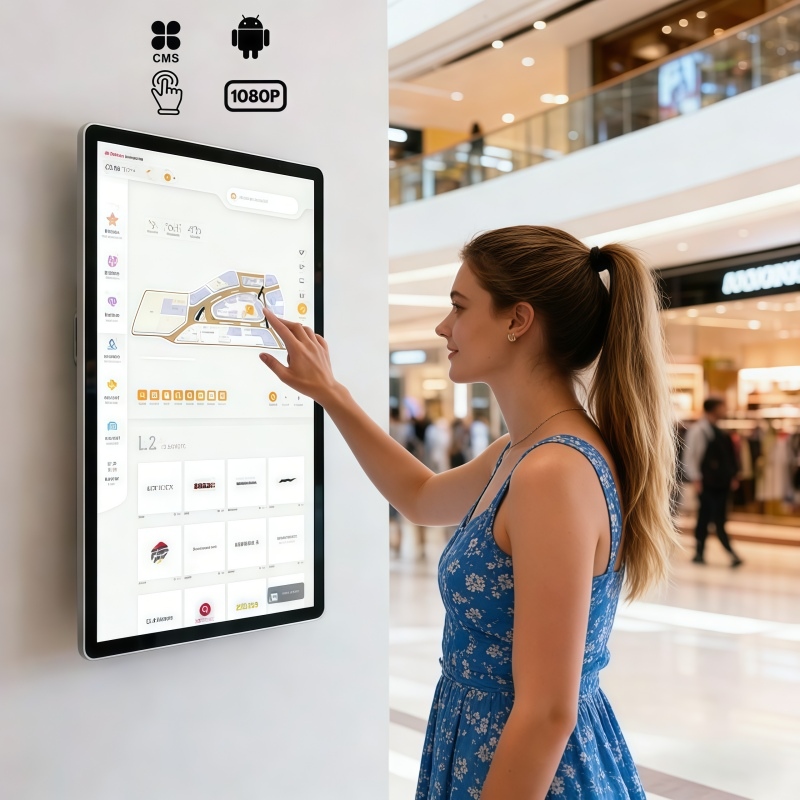
An All-in-One PC touch screen is often the simplest hardware base for a self-service kiosk when the project needs a display, computing unit, and touch interface in one compact structure. Android is usually better for fast, touch-first workflows such as ordering, check-in, queue guidance, and information lookup. Windows is stronger when the terminal must run desktop software, connect to enterprise systems, or support more complex local applications.
For retail, foodservice, office, and public-service environments, the operating system decision shapes far more than the interface. It affects software maintenance, startup behavior, peripheral compatibility, security planning, and how easily the terminal can be scaled across multiple sites.
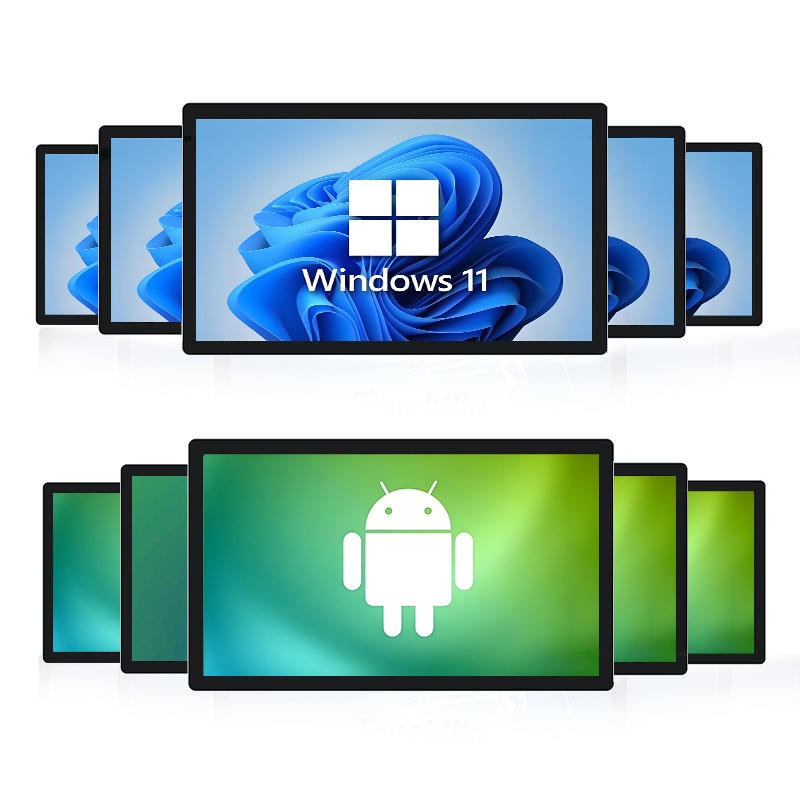
A kiosk becomes harder to manage when the screen, media player, computer, cables, and touch controller are specified as separate components without a clear integration plan. An All-in-One PC touch screen reduces that hardware stack by combining the visual interface and computing layer inside one device.
Alihh focuses this product direction around 21.5, 24, 27, and 32-inch capacitive touch screen options with Android or Windows systems. That size range works well for countertop ordering points, wall-mounted information terminals, reception desks, retail browsing screens, and standing self-service equipment.
A touch monitor can be the better choice when the computing platform is already fixed. System integrators may prefer a separate monitor when a Raspberry Pi, mini PC, external player, or industrial computer is already part of the equipment design.
The difference matters because an All-in-One structure simplifies deployment, while a touch monitor separates the screen from the host device. A cleaner decision starts by asking whether the software should live inside the display or on a separate computer.
Android is a natural match for terminals that behave like a large commercial tablet. Customers can browse items, choose options, scan a code, check an order, or follow short prompts without learning a new interface.
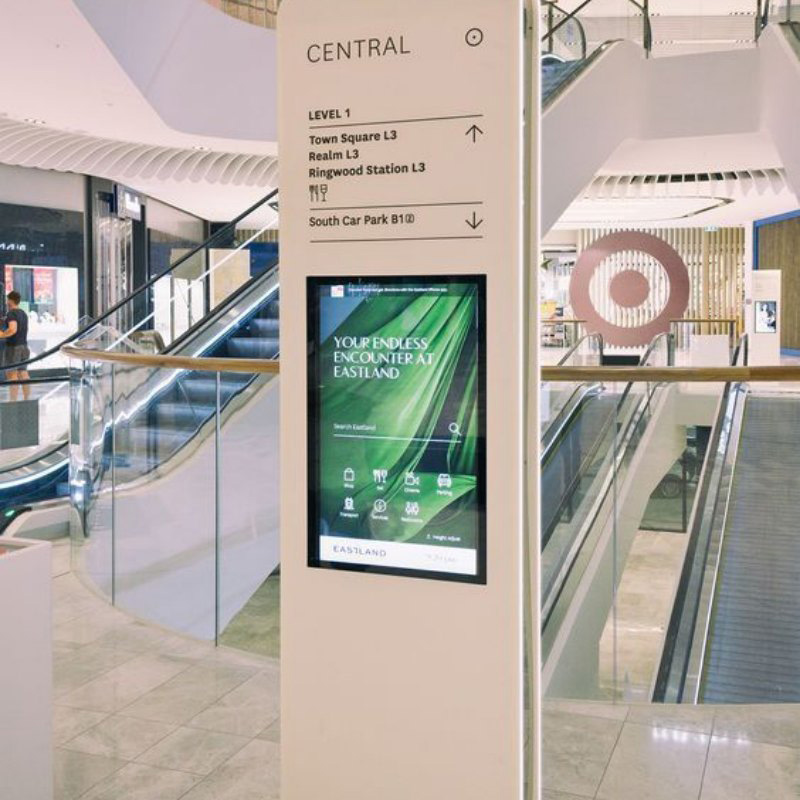
That makes Android All-in-One PC systems useful for self-ordering kiosks, queue machines, product lookup points, unattended retail displays, parking payment interfaces, and shopping mall guidance screens. These tasks are interactive, but they are usually not software-heavy.
Many self-service terminals run one primary application for long periods. In that environment, the goal is responsive touch, stable display output, quick startup, and a clean full-screen experience.
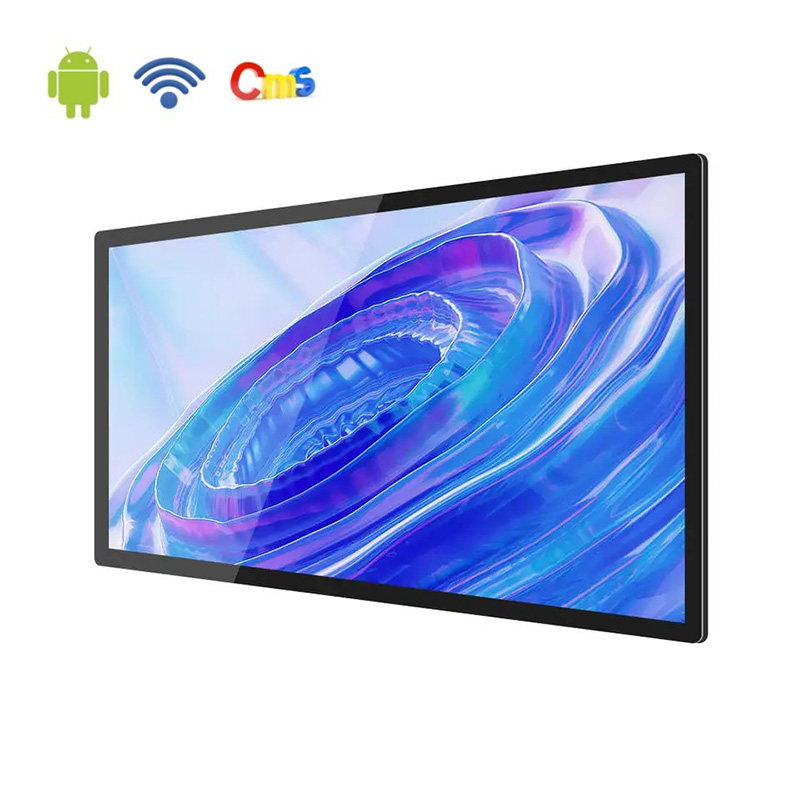
Alihh Android options suit projects that need economical deployment, intuitive touch behavior, and a controlled application environment. When the interface is built around taps, gestures, menu browsing, and short transactions, Android keeps the terminal focused and efficient.
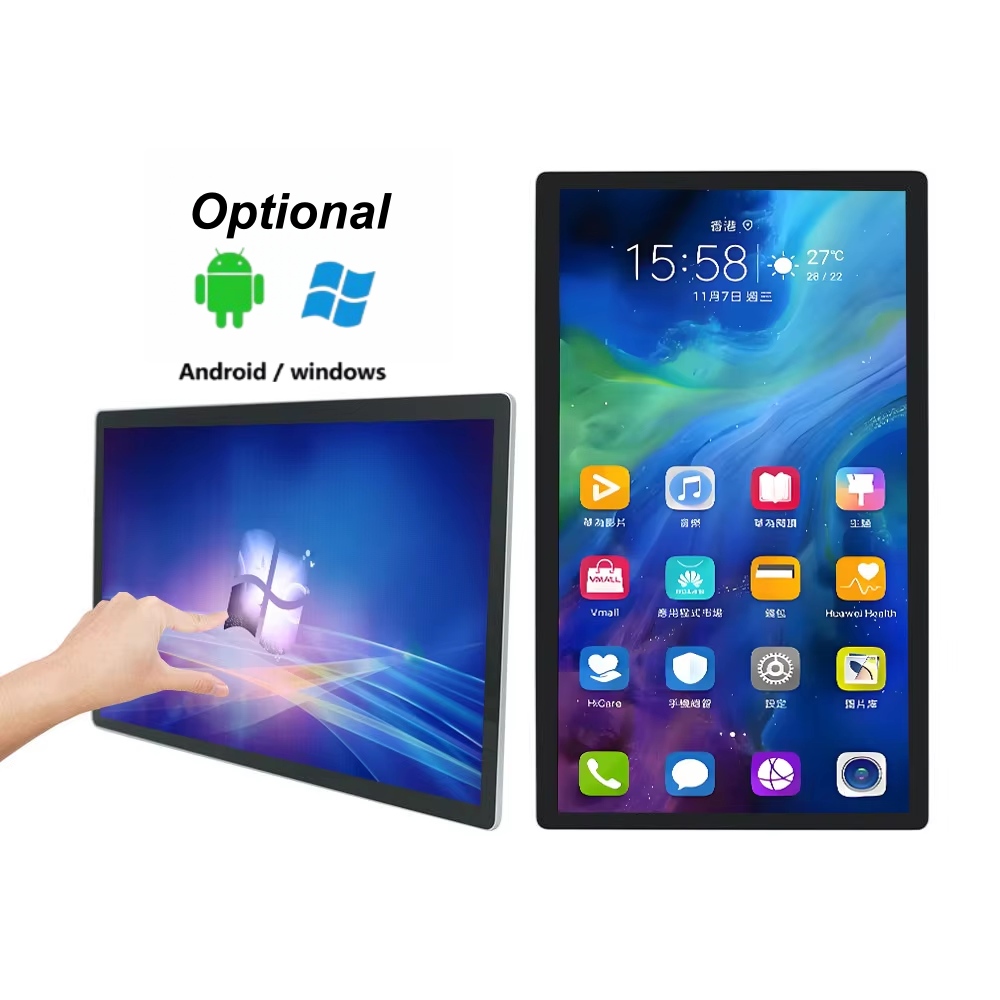
Windows is often the safer route when the terminal must run traditional desktop software, connect with existing IT systems, or support specialized applications that were never designed for Android. This is common in enterprise reception systems, office scheduling screens, industrial operation panels, and service counters with database-linked workflows.
A Windows All-in-One PC also makes sense when the project depends on familiar drivers, local file handling, browser-based dashboards, spreadsheet tools, or legacy business applications. In these cases, the operating system is part of the workflow, not just a background detail.
A self-service system could require a barcode reader, printer, payment module, camera, card reader, or some other peripheral device. Windows may be useful when the peripheral devices have well-developed drivers or when more control is required in relation to the local software configuration.
Android remains practical for many connected devices, but the exact accessory ecosystem should be checked early. A beautiful touchscreen layout is not enough if the terminal cannot reliably communicate with the tools around it.
Commercial kiosks live or fail at the surface where users interact. Capacitive touch screens provide the device with a more natural feel than those based on pressure detection, particularly when multi-touch input is implemented through software.
Alihh All-in-One touch PC options use 10-point capacitive touch, which allows modern interaction patterns when the application supports them. For ordering, map browsing, product comparison, or information search, that responsiveness helps the terminal feel less like equipment and more like a service point.
A 21.5-inch screen is usually suitable for close-range interaction on counters, compact kiosks, and embedded service terminals. A 24- or 27-inch format gives more room for product images, language options, payment prompts, or multi-step workflows.
A 32-inch All-in-One PC touch screen becomes more useful when the terminal must attract attention from a longer distance or display more content at once. The best size is not the largest one available; it is the one that keeps the interface readable without making the user reach awkwardly.
These devices can be similar to one another in the sense that all can employ touch capability. However, their system requirements will not be the same due to factors such as ambient light, mount, power availability, network stability, and even user interaction.
Alihh can be considered where a project needs an integrated Android or Windows touch terminal rather than a loose combination of display and computer parts. We also offer touch monitor options for projects that need an external host, which gives integrators another route when the application architecture is already defined.
The strongest kiosk projects connect hardware planning with software planning from the beginning. Operating system choice, touch response, screen size, interface ports, and application behavior should be reviewed together instead of treated as separate decisions.
Alihh provides system integration support, developer tools, and customization services that can help align the display with the intended workflow. That matters most when a terminal must keep the same user experience across multiple locations or product generations.
An All-in-One PC touchscreen is valuable because it turns a self-service concept into a cleaner, more manageable physical interface. Android is usually the right fit for lightweight, touch-first terminals, while Windows fits projects that depend on desktop software, enterprise compatibility, or more complex connected devices.
For businesses building kiosks, service terminals, and interactive commercial displays, Alihh offers a practical path between screen size, operating system, touch performance, and integration needs.
To discuss a suitable configuration for your terminal environment, please contact us.
A: Android is usually better for simple, fast, touch-first workflows such as ordering, wayfinding, queue guidance, and product lookup. Windows is better when the kiosk must run desktop software, connect with established business systems, or support specialized peripherals that rely on Windows drivers.
A: A 21.5-inch screen works well for close-range counters and compact terminals. A 24- or 27-inch size gives more space for menus, forms, and product visuals. A 32-inch screen is more suitable when users view the interface from farther away or need larger on-screen content.
A: The technology of capacitive touch provides users with a familiar experience that requires only light touches, like on the new generation phones and tablets. It allows for fluid navigation and multi-touch gestures where supported by the application. On customer-facing terminals, such an experience may seem more natural to users.