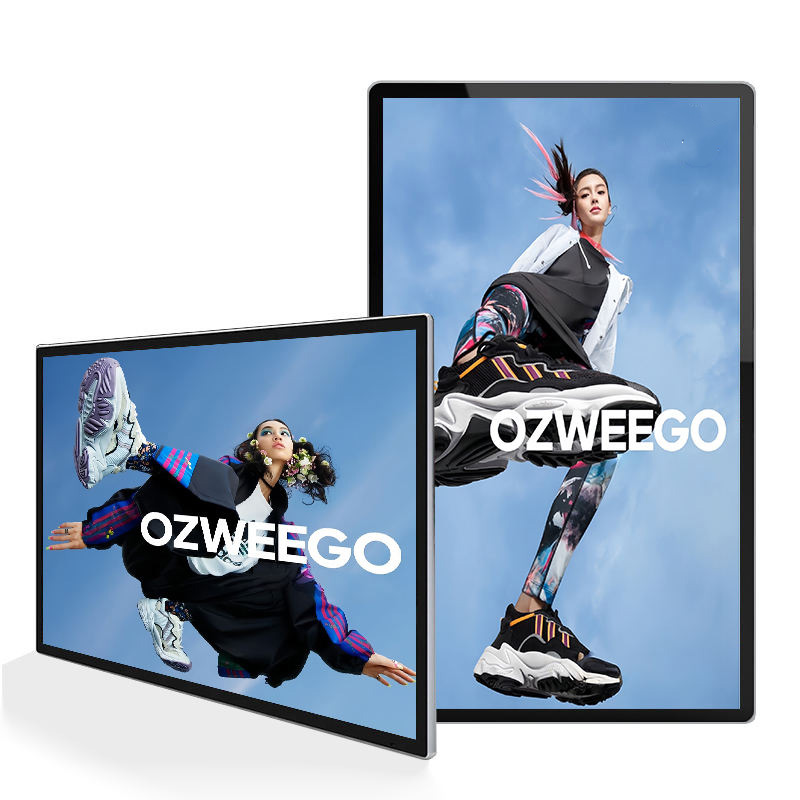
We are committed to delivering high-quality LCD displays and digital signage solutions, combining reliable performance, competitive value, and professional support to help businesses communicate more effectively.
We are committed to delivering high-quality LCD displays and digital signage solutions, combining reliable performance, competitive value, and professional support to help businesses communicate more effectively.
 author
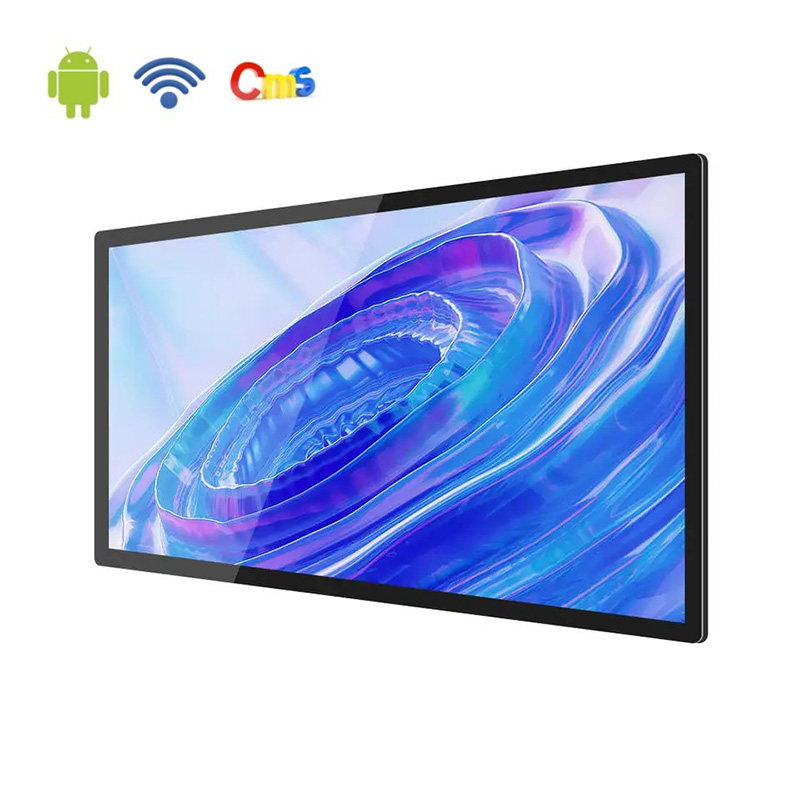
Android digital signage gives retail stores a practical way to publish promotions, product visuals, and service information from one content workflow. Instead of updating every screen by hand, teams can use a built-in Android platform and remote CMS to keep content timely across branches, while choosing wall-mounted displays that fit the store layout.
The strongest results come from treating the display network as part of daily retail operations. Content ownership, screen placement, brightness, scheduling, and local flexibility should be planned together so the message customers see remains useful at the moment they see it.
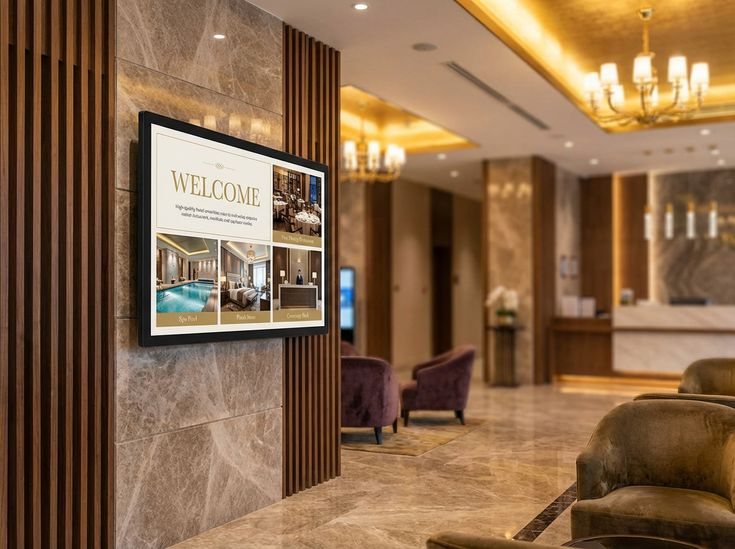
A retail chain may run the same seasonal campaign in several locations, yet small differences often appear when staff replace files locally. One store may show an older product image, another may miss the latest promotion, and a third may use a different layout. A connected digital signage workflow reduces those gaps by giving the central team one place to prepare and distribute approved content.
Consistency does not mean every screen must look identical at every hour. A useful system keeps core brand visuals aligned while allowing each store to add local products, opening information, or location-specific announcements. That balance is easier to manage when the displays can receive scheduled content instead of relying on removable posters or memory cards.
Manual updates create a hidden operating cost. Someone has to visit each store, locate the correct file, connect the right device, check the screen, and repeat the task when a price or promotion changes. Remote control shortens that routine and lets the content team respond while the campaign is still relevant.
For a closer look at the product category, visit the Alihh digital signage display and compare the intended retail environment with the available display approach.
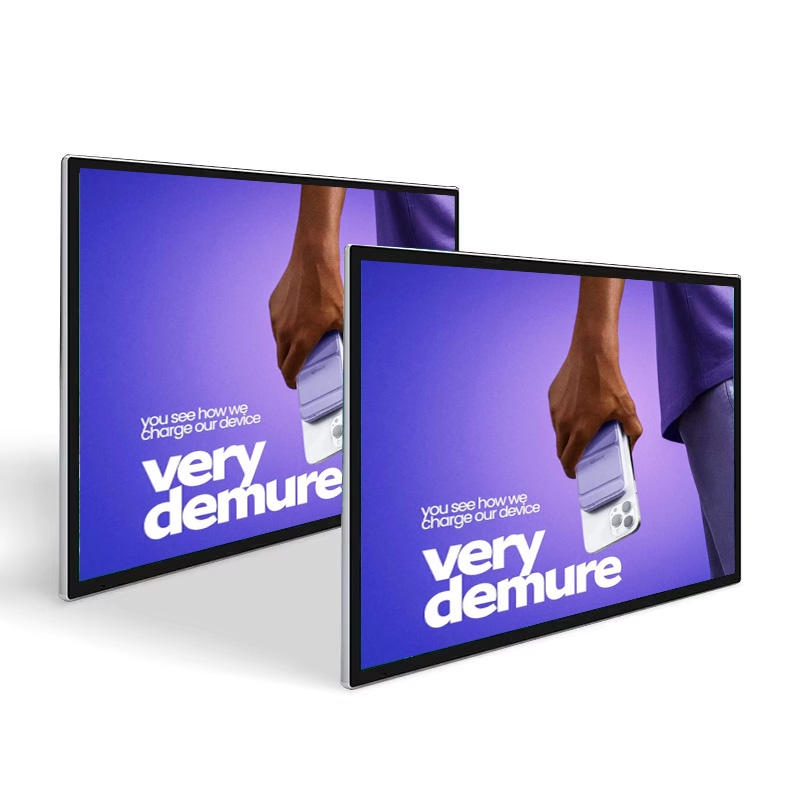
Android digital signage combines the screen and the operating platform in one commercial display. That arrangement can simplify a project when the main task is to play images, videos, and scheduled playlists without adding a separate media player behind every screen.
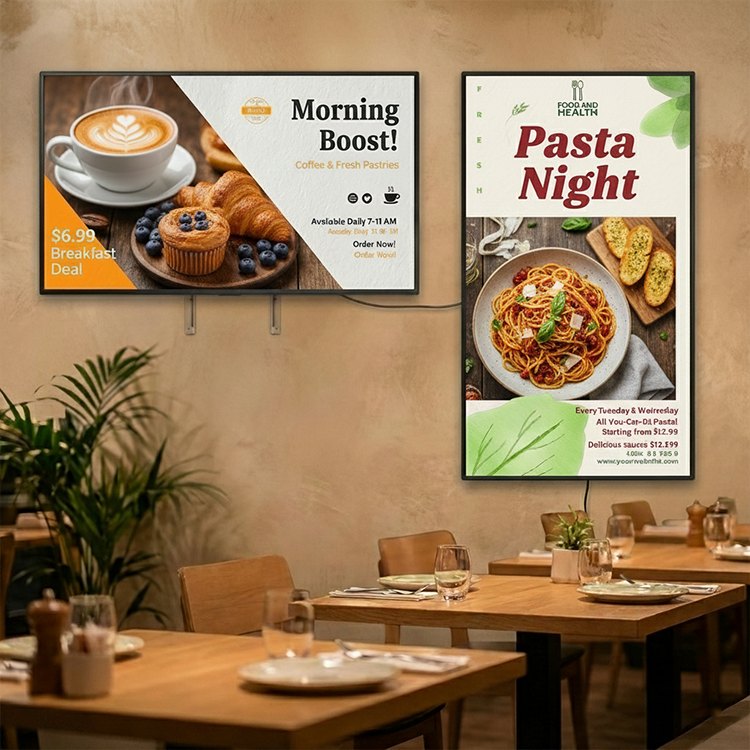
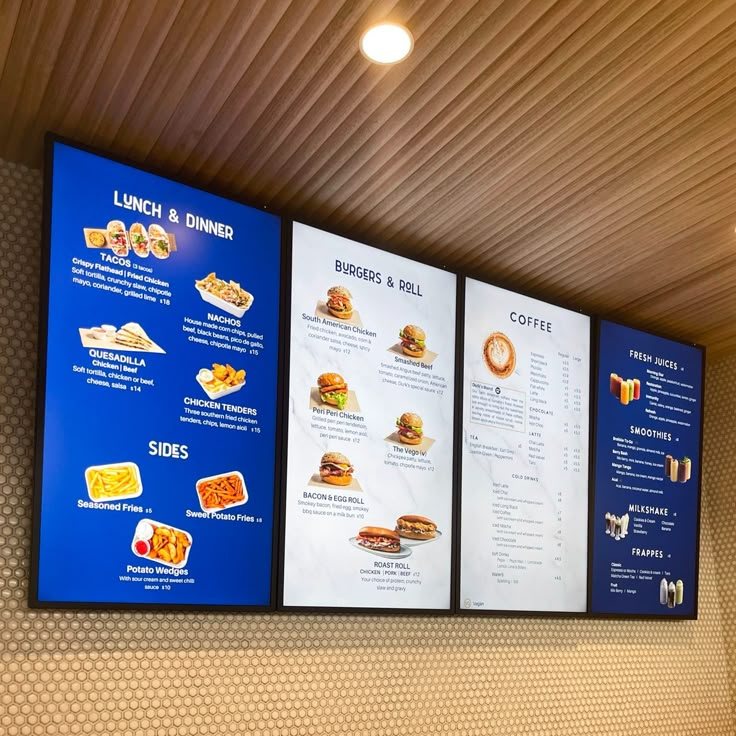
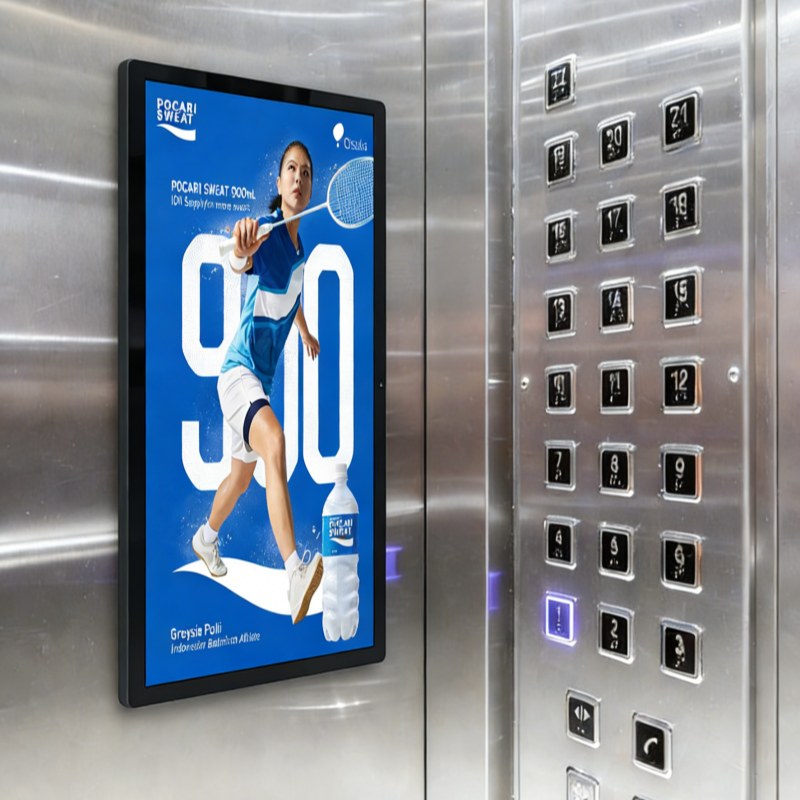
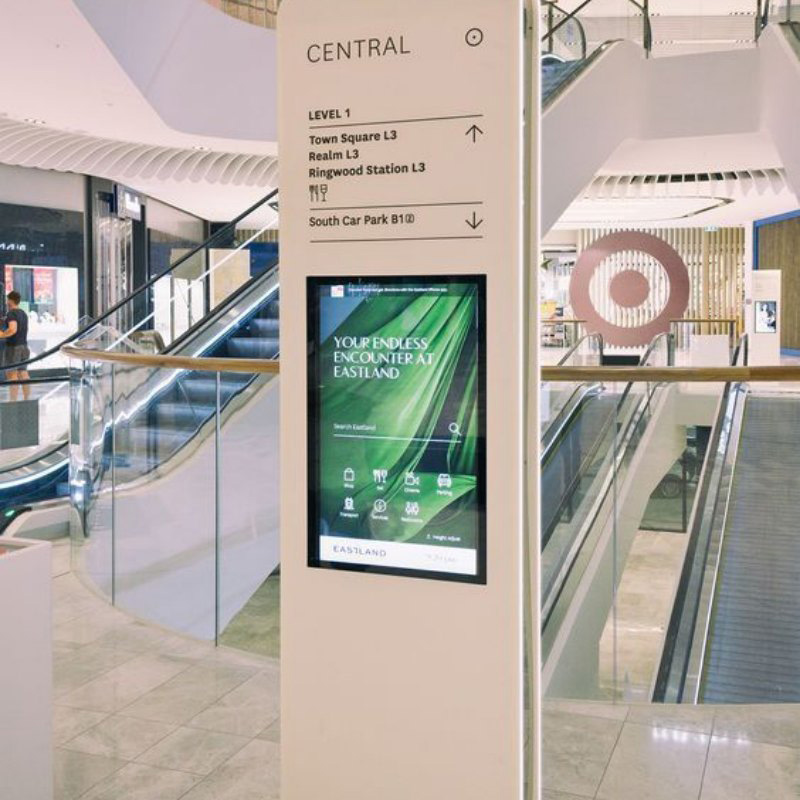
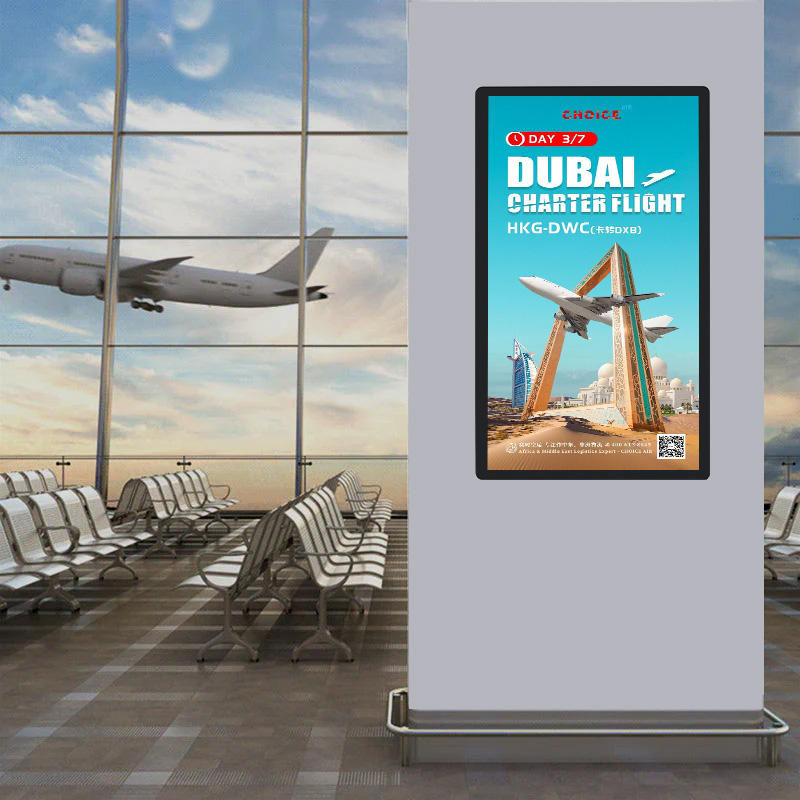
Alihh digital signage displays are designed for advertising and information delivery in retail stores, restaurants, shopping malls, elevators, and public areas. The Android platform also leaves room to match the display with an existing software workflow when a project needs a particular content or application environment.
A digital signage CMS becomes useful when the team can sort content by store, campaign, screen group, and playback time. Product images can support a new arrival campaign, short videos can demonstrate product use, and a scheduled playlist can rotate brand content without staff changing the display manually.
The CMS should be judged by the work it removes from the store team. Uploading content, arranging a playlist, updating a single screen, and synchronizing a group should feel like ordinary publishing tasks, not like technical maintenance.
Retail content changes by daypart, season, promotion, and inventory focus. A morning message may support an opening campaign, while an afternoon playlist highlights a product category or a limited-time offer. Scheduling lets the display follow that rhythm without asking employees to remember every transition.
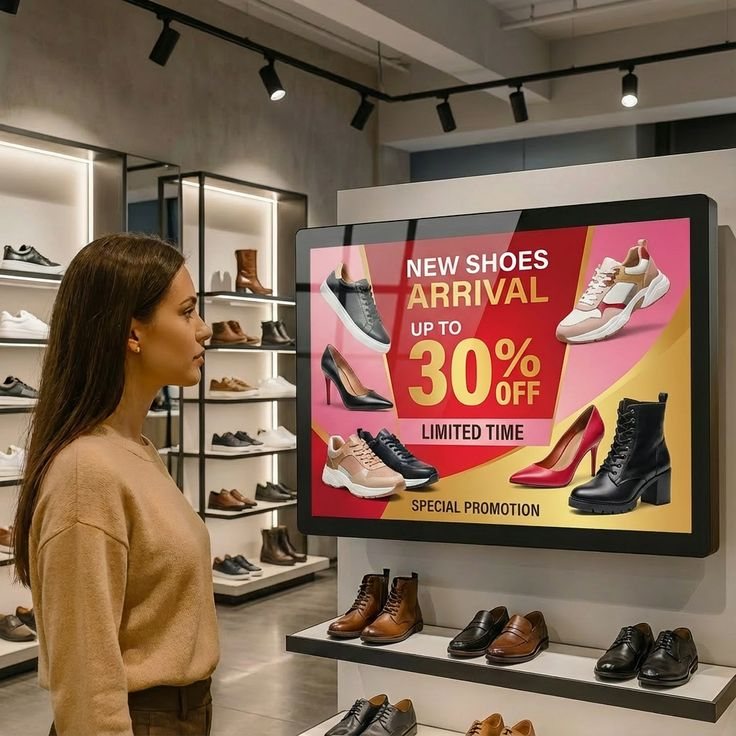
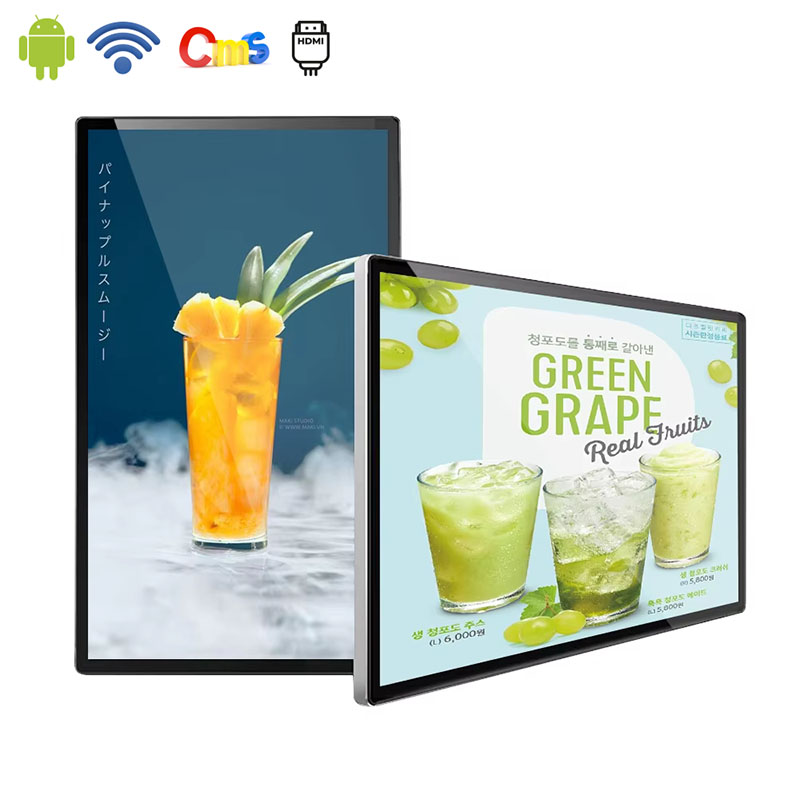
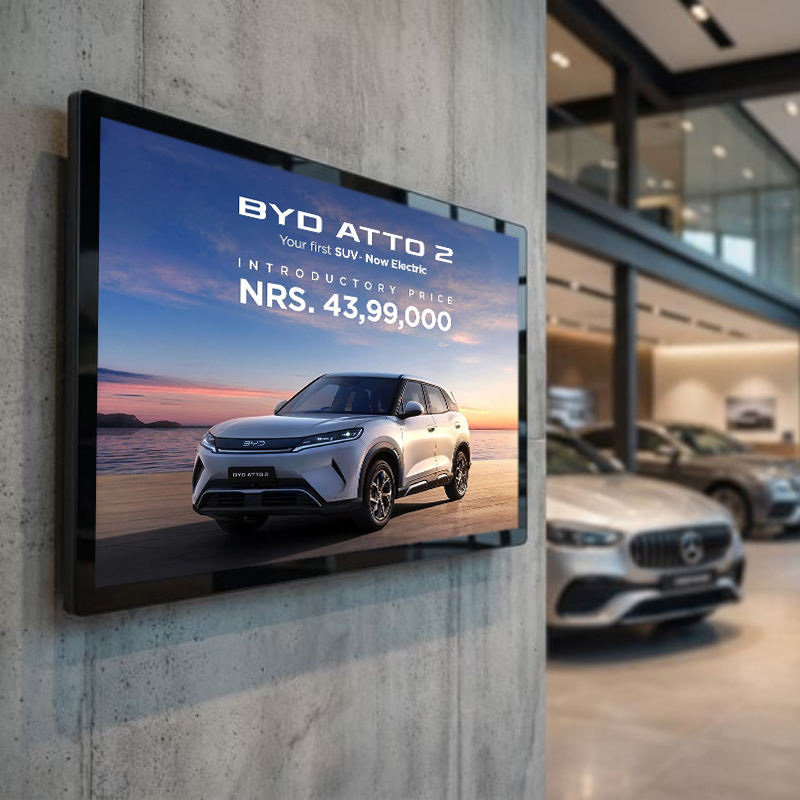
Wall mounted digital signage works well when the store has a clear visual plane near an entrance, feature wall, checkout zone, or product category. It keeps the floor open and places the message where shoppers naturally pause. The mounting position should leave enough access for power, signal connections, cleaning, and future service.
Near a storefront or bright mall corridor, the viewing environment matters more than the room name. Alihh digital signage options include configurations with brightness up to 700 nits, while the exact brightness should be matched to the position, ambient light, and viewing distance of the selected screen.
A display near a window also needs content with clear contrast and controlled detail. High brightness cannot rescue a crowded layout, so the screen and the creative file should be evaluated together before the store rollout.
Screen size should follow how shoppers approach the content. A smaller screen can suit a narrow pillar or service point, while a larger display may be more effective on a feature wall viewed from a longer aisle. The official digital signage range covers sizes from 10.1 to 86 inches, giving projects room to match the display to the available wall and viewing distance.
Start with a content structure that distinguishes central assets from store-level updates. Brand campaigns, product launches, and key visual rules can be managed centrally, while local teams can contribute information that changes by location. The distinction helps protect consistency without making every small update dependent on headquarters.
A content calendar gives the screen a job beyond filling empty space. Map the campaign start date, priority products, supporting visuals, and end date before uploading the files. This prevents old promotions from remaining in a playlist simply because nobody remembered to remove them.
Before a multi-store rollout, test the actual screen, network route, CMS account, playback files, wall position, and power recovery behavior. Confirm that images remain legible, videos play as expected, and the store team can identify which screen group they are changing. A short pilot often reveals operational details that a product comparison cannot.
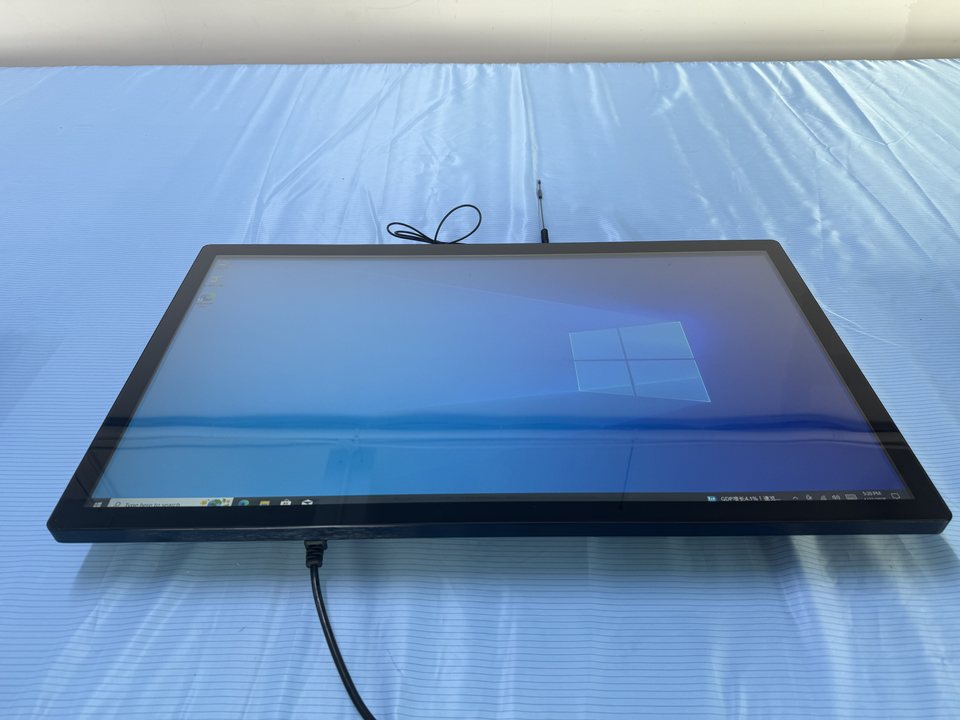
Alihh is a practical fit when a retailer needs commercial LCD displays, Android-based content playback, remote CMS support, and flexible installation options in one project discussion. The product range also supports wall-mounted configurations and different screen sizes for retail stores, shopping malls, restaurants, and public environments.
Teams planning a broader display standard can review the Alihh product range before defining the screen groups, content ownership, and installation requirements for each location.
The right solution is not the display with the longest feature list. It is the configuration that the central content team can control, the store team can live with, and the customer can understand quickly. That is where hardware, Android operation, CMS publishing, and physical placement begin to work as one retail system.
Android digital signage helps retail stores turn scattered screen updates into a repeatable content operation. With a built-in Android platform, remote CMS, scheduled playlists, and screen options suited to wall areas or bright commercial interiors, retailers can keep product communication current while reducing unnecessary work at the store level.
To plan an Alihh retail display network around your store layout and content workflow, contact Alihh for a configuration discussion.
A: Android digital signage is a commercial display that uses an Android operating platform to play advertising, product, and information content. It can reduce the need for a separate media player and may support CMS-based publishing, scheduled playlists, and remote updates depending on the selected configuration.
A: Yes. A CMS-supported Android digital signage setup can organize content for one screen or multiple screens across different locations. The exact workflow depends on the CMS configuration, but the main advantage is that central teams can prepare and distribute updates without visiting every store.
A: A retail digital signage CMS can be used for images, videos, playlists, promotional visuals, product information, and scheduled announcements. Content should be prepared for the screen size and viewing distance, with clear contrast and a simple hierarchy that shoppers can understand quickly.
A: Wall-mounted digital signage is useful when a store has a strong wall position near an entrance, checkout, feature display, or product zone. It keeps the floor open and creates a clear viewing point, provided that power access, cable routing, glare, cleaning, and service access are planned at installation.