We are committed to delivering high-quality LCD displays and digital signage solutions, combining reliable performance, competitive value, and professional support to help businesses communicate more effectively.
We are committed to delivering high-quality LCD displays and digital signage solutions, combining reliable performance, competitive value, and professional support to help businesses communicate more effectively.
 author
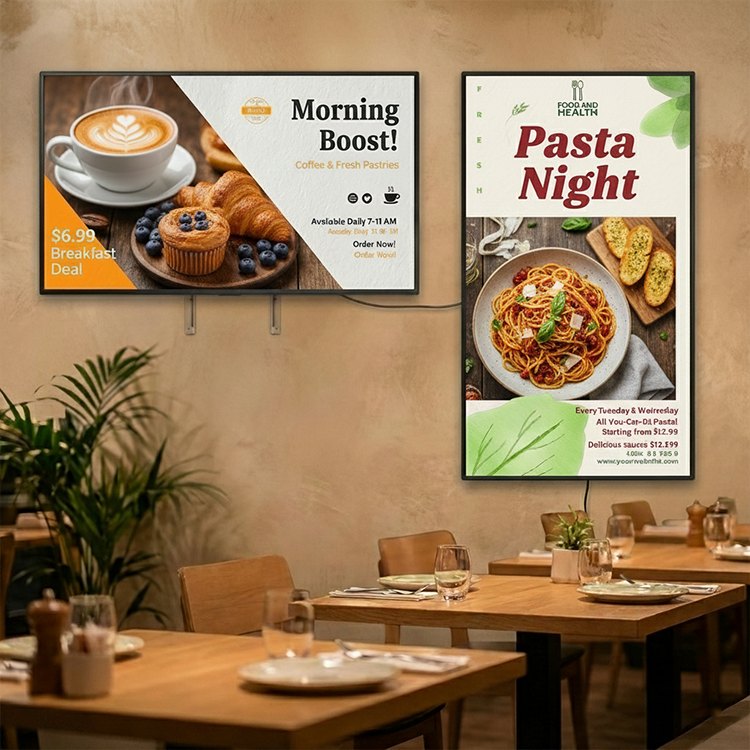
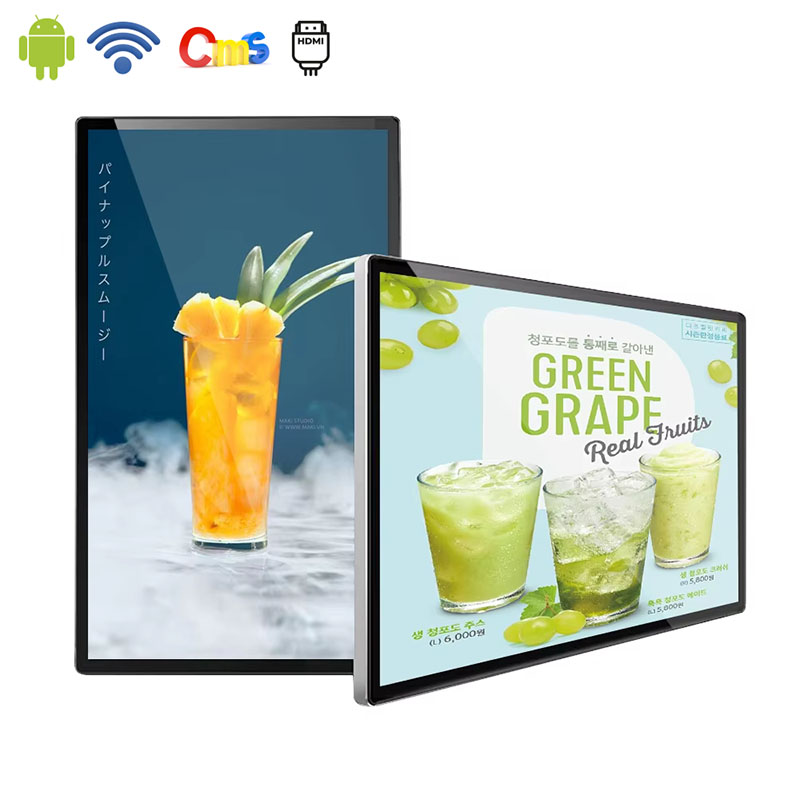
Digital signage for restaurants works best when each screen has a clear role in the customer journey. A digital menu board can support ordering at the counter, a wall display can introduce a promotion near the entrance, and a separate screen can carry brand or seasonal content in a dining area.
The practical goal is not to fill every panel with motion. It is to make menu information easier to find, give promotions a useful place, and let restaurant teams update content when prices, availability, dayparts, or campaigns change.
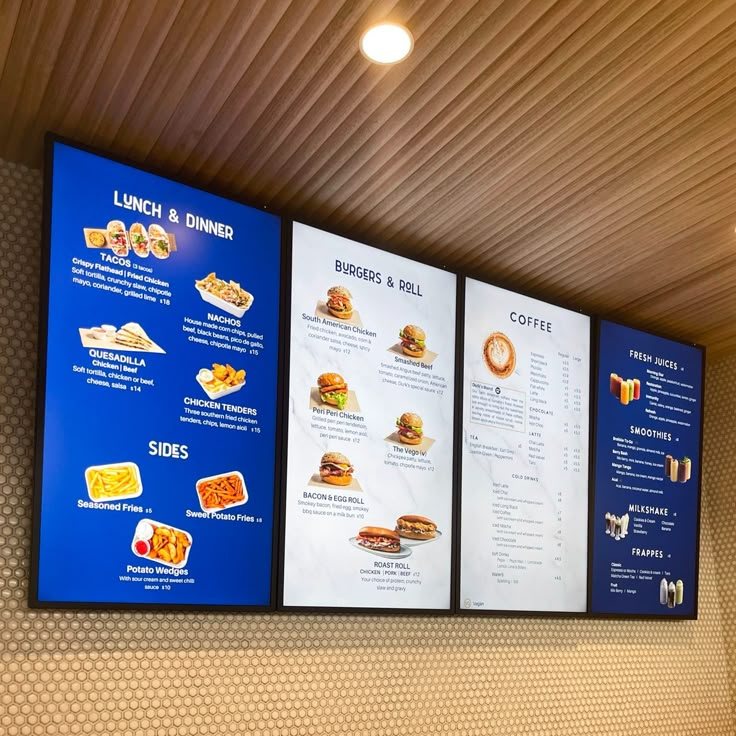
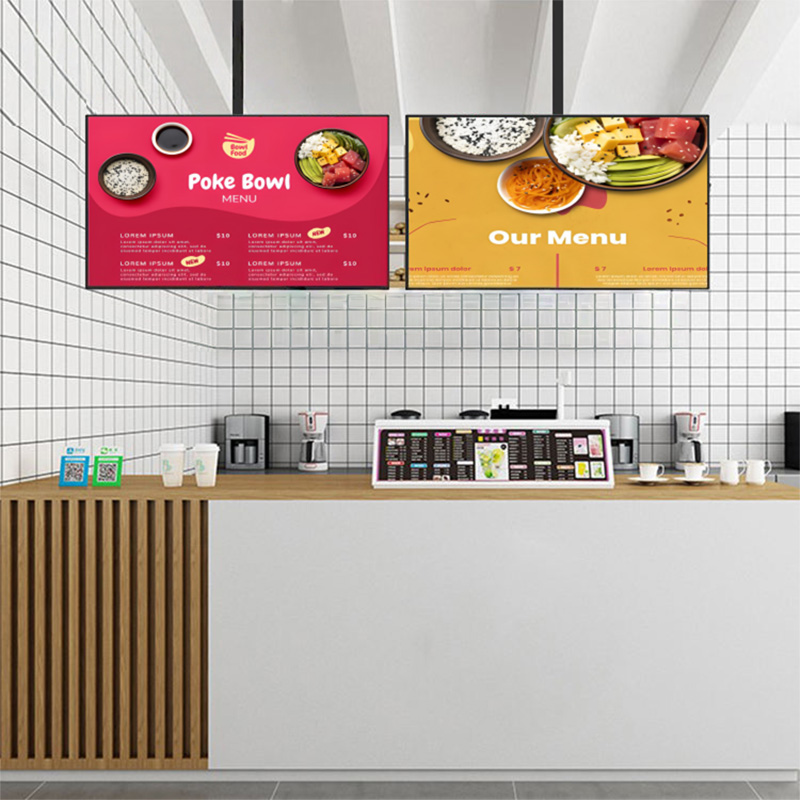
The counter is where customers compare choices and make a decision, so the main menu display should be organized for quick scanning. Category structure, item images, prices, and combo information need enough space to remain readable from the queue. A screen that looks attractive from close range may still fail if the customer cannot understand it while waiting to order.
Multiple panels can divide the workload. One screen may carry the core menu, another can focus on combinations or limited-time items, and a third can show drinks or desserts. That arrangement helps the content breathe and gives the operator more control over what receives attention during a busy service period.
A screen near the entrance has a different job from a menu above the counter. It can introduce a seasonal offer, communicate the restaurant concept, or help a waiting customer decide what to order before reaching the service point. The content should be short enough to grasp while walking, with strong imagery and one clear message.
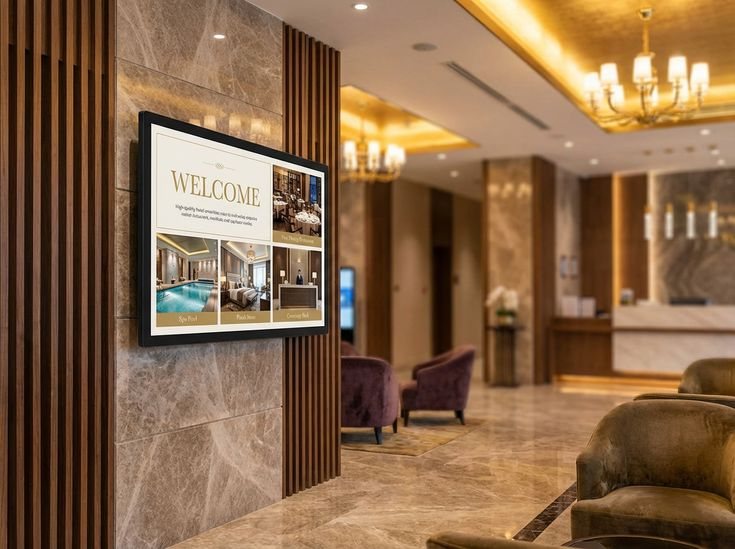
In hotel breakfast rooms, coffee shops, food courts, and casual dining areas, a digital display can offer supplementary content without breaking up the mealtime experience. Stories about the brand, event announcements, local news, and food images can help keep the area relevant while maintaining focus on the ordering screen for functional purposes.
For restaurant-specific display options, explore the Alihh digital menu board and consider how the screen arrangement would fit the counter, entrance, or dining area.
A digital menu board is most useful when the restaurant needs to present several categories without making the customer read a crowded wall of paper. The display can give visual priority to popular items, show a supporting food image, and keep the price relationship clear. The design should guide the eye rather than make every item compete at the same volume.
Promotions have a short useful life, which makes them difficult to manage with printed materials. A digital menu display can move a limited-time item into the main visual field, schedule it for a specific period, and remove it when the offer ends. This helps the customer see the current message and reduces the chance of outdated material remaining in the ordering area.
Restaurant menus often change by daypart. Breakfast content may need a calmer layout with coffee and bakery items, while lunch and evening service may require more categories or a stronger focus on combos. Scheduled playback allows the same screen family to support these changes without rebuilding the physical installation.
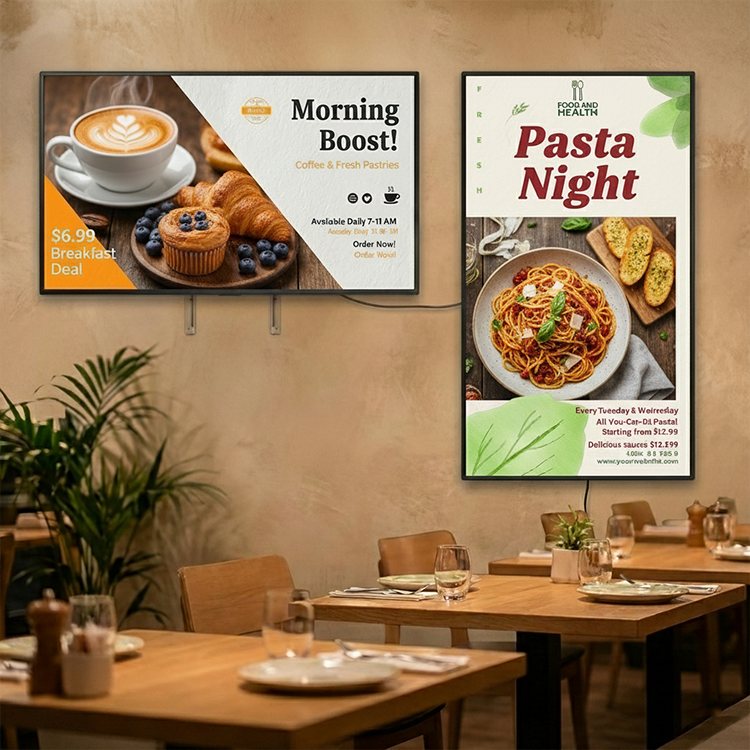
Food images help customers understand a dish quickly, but the screen still needs a disciplined composition. Use close-up visuals to support a decision, then give the item name, price, or category enough room to remain legible. Optional 4K playback can be useful when a large display carries detailed food imagery, although layout and brightness remain fundamental.
The restaurant can use a separate playlist for brand atmosphere, seasonal ingredients, community activity, or a new store announcement. This content should support the dining experience instead of competing with the menu. Distinct playlists make it easier to keep operational information and brand storytelling in the right place.
Restaurants often need to respond to local events, celebrations, and short-notice announcements. A CMS that supports remote image and video updates gives the store a practical way to publish that content without replacing a poster or waiting for a new print run. Local flexibility is particularly useful when a chain wants consistent brand rules but still wants each location to feel connected to its neighborhood.
A multi-location restaurant needs a clear publishing structure. Central teams can manage the approved menu, price logic, and core campaign assets, while local teams can add content that is specific to a store or event. The CMS should make screen groups easy to identify so an update reaches the intended locations without creating uncertainty elsewhere.
A useful restaurant digital signage system protects the elements customers should recognize across the chain, such as visual tone, menu hierarchy, and campaign treatment. It can still leave space for local offers, special hours, or community content. That balance avoids two common problems: a rigid system that cannot respond locally and a loose system that makes every store look unrelated.
Wall-mounted screens suit clear vertical or horizontal wall areas, while hanging displays can remain visible above an open counter or food court line. Splicing is useful when several panels need to form a wider visual field for a menu or campaign. The installation method should be selected with ceiling height, customer sightlines, cable access, cleaning, and service clearance in mind.
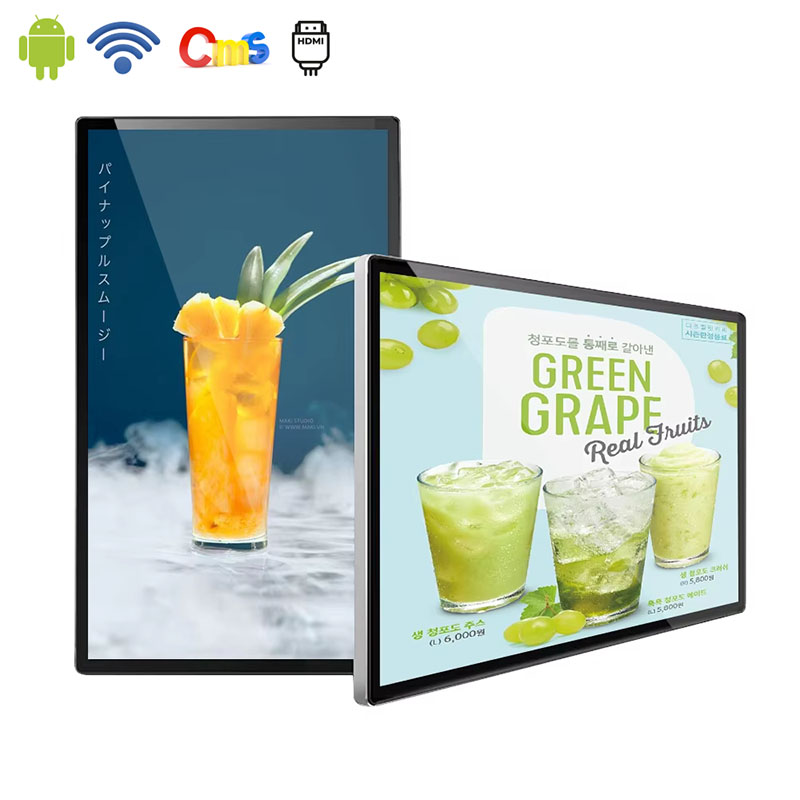
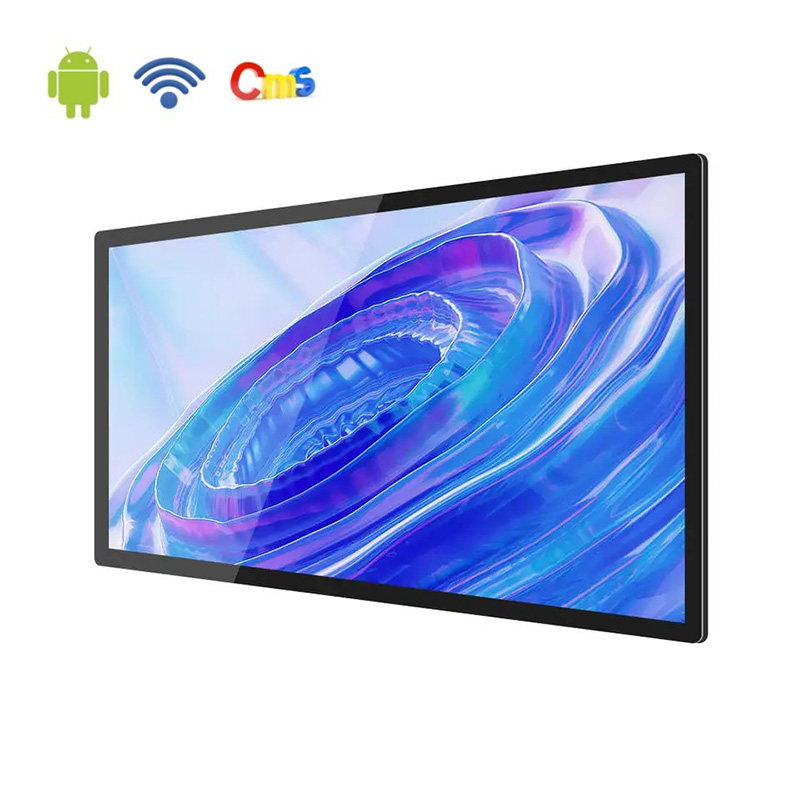
Alihh digital menu boards use wide-angle IPS panels with a 178-degree viewing angle and selectable brightness from 500 to 700 nits, helping content remain visible in bright indoor restaurant environments. The product page also identifies built-in Android operation, remote CMS support, optional 4K playback, and wall, ceiling, or splicing installation as part of the available solution.
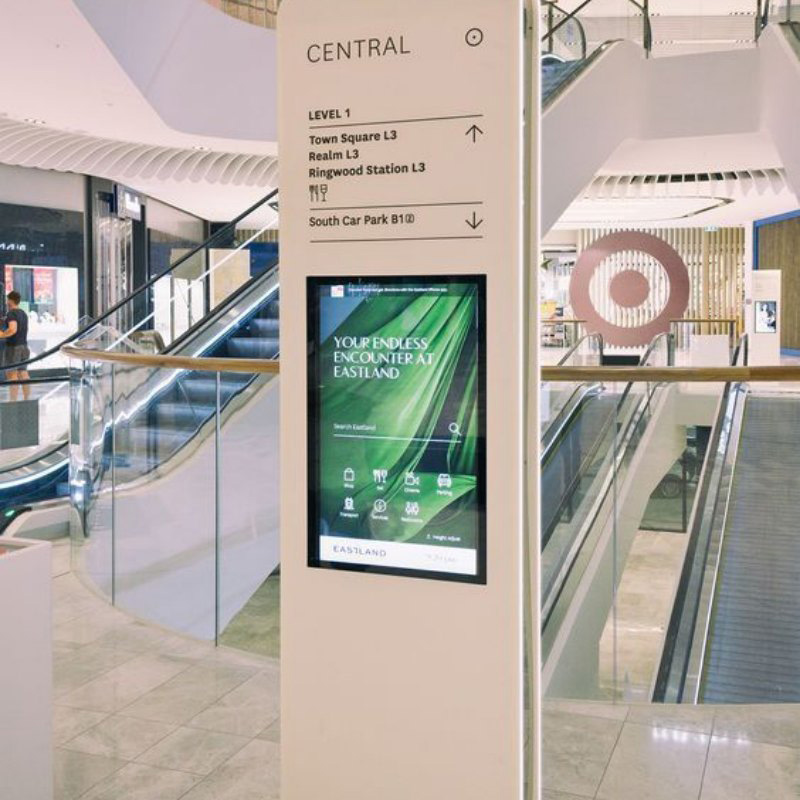
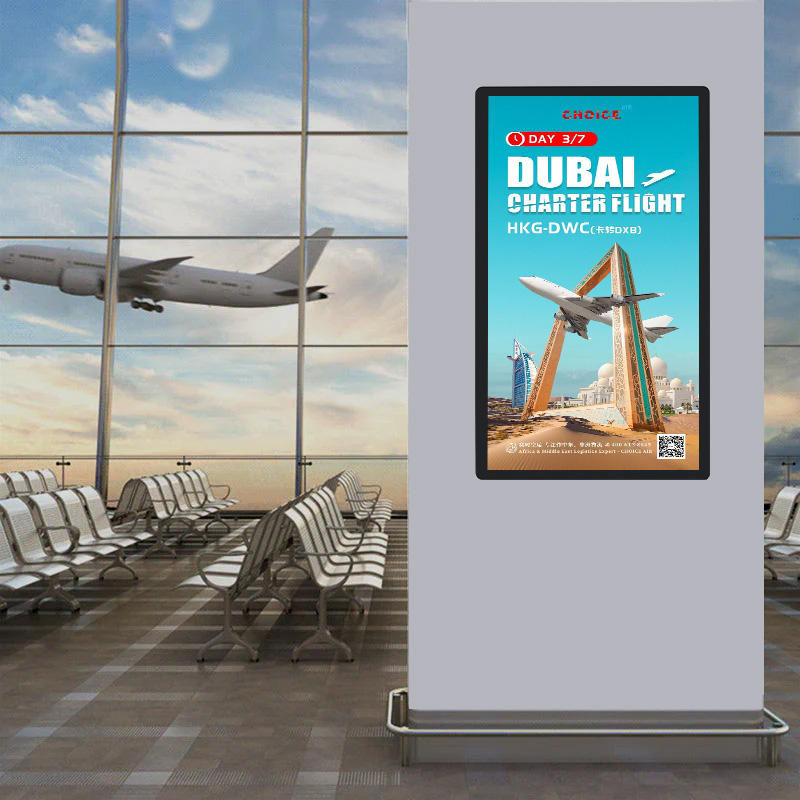
For restaurants that need broader advertising or information screens, Alihh digital signage supports Android operation, built-in CMS publishing, image and video content, and commercial applications including restaurants, retail stores, hotels, shopping malls, and public areas. The choice should follow the screen’s job: menu clarity at the counter, promotion near the entrance, or brand content in a waiting and dining space.
Teams comparing the two product roles can review the Alihh digital signage solutions and map each screen to the customer journey before finalizing the content structure.
A good restaurant display plan also accounts for the physical room. Check the viewing distance, ambient light, screen orientation, cable route, mounting position, and access for routine cleaning. The more accurately the display fits the space, the less the restaurant has to work around it during service.
Digital signage for restaurants becomes more valuable when each display has a defined role. Digital menu boards can support faster decisions at the counter, wall-mounted screens can carry promotions near entrances, and hanging or spliced configurations can extend menu content across open service areas. Alihh brings these display options together with Android operation, CMS support, brightness choices, and installation flexibility.
To plan an Alihh restaurant display layout around menus, promotions, and brand content, contact Alihh for a project discussion.
A: Digital signage for restaurants uses commercial displays to present menus, promotions, food imagery, brand messages, or local information. A complete setup may include digital menu boards above the counter, wall displays near the entrance, and screens in dining or hospitality areas.
A: A digital menu board mainly supports ordering by showing food categories, item information, prices, and combinations. A restaurant advertising screen can focus more on promotions, brand campaigns, events, or product videos. The hardware may overlap, but the content role and placement are different.
A: Yes. A CMS-supported restaurant display network can organize content for one or multiple locations, depending on the configuration. Central teams can prepare core menu and campaign content, while local teams may manage store-specific announcements or events within the permissions and workflow provided.
A: Wall mounting suits clear wall areas, hanging installation works above open counters or food court lines, and splicing can create a wider menu field from several panels. The best choice depends on ceiling height, sightlines, screen orientation, cable access, cleaning, and service clearance.