We are committed to delivering high-quality LCD displays and digital signage solutions, combining reliable performance, competitive value, and professional support to help businesses communicate more effectively.
We are committed to delivering high-quality LCD displays and digital signage solutions, combining reliable performance, competitive value, and professional support to help businesses communicate more effectively.
 author
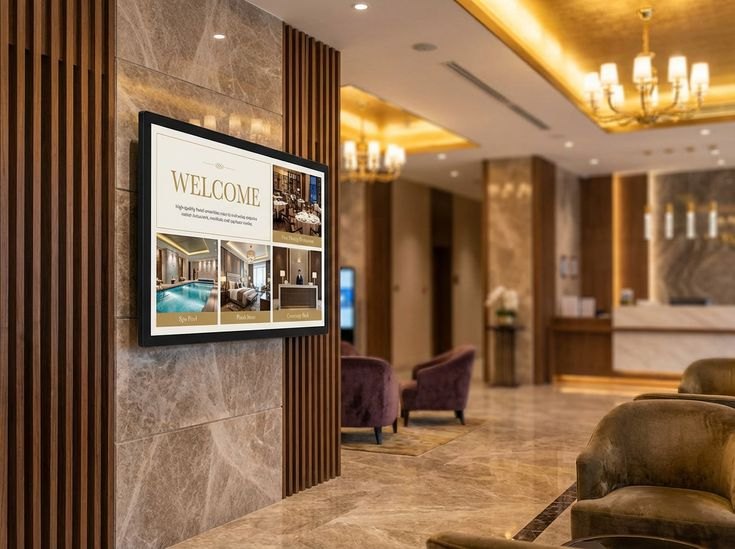
A digital signage display is easiest to choose when the room tells you what the screen must do. Start with the location, viewing distance, content role, installation method, and update workflow. Retail stores, restaurants, malls, elevators, hotels, and public areas all use screens differently, so one tidy specification rarely fits every space.
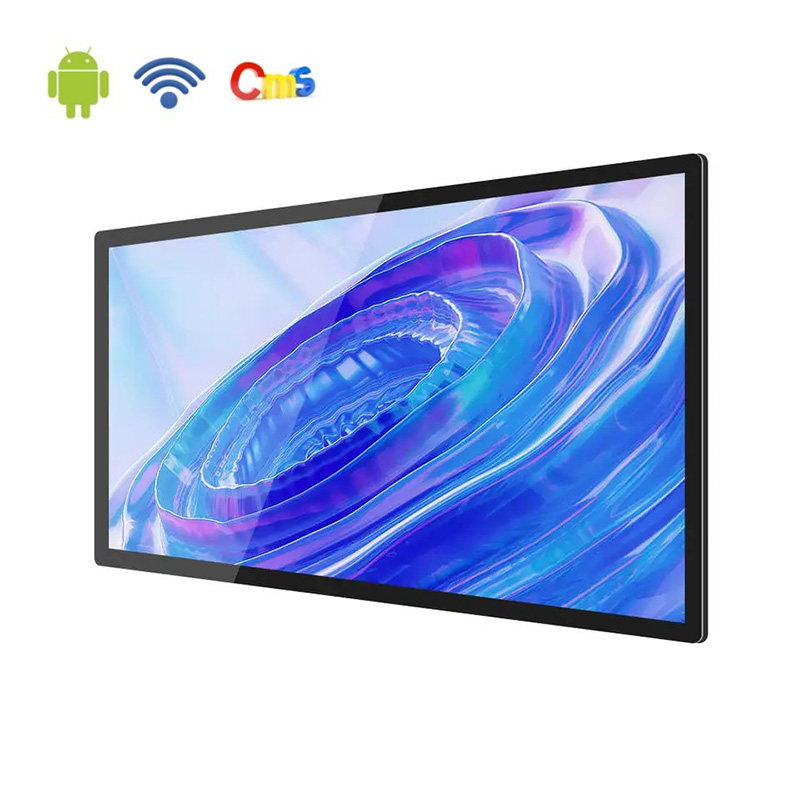
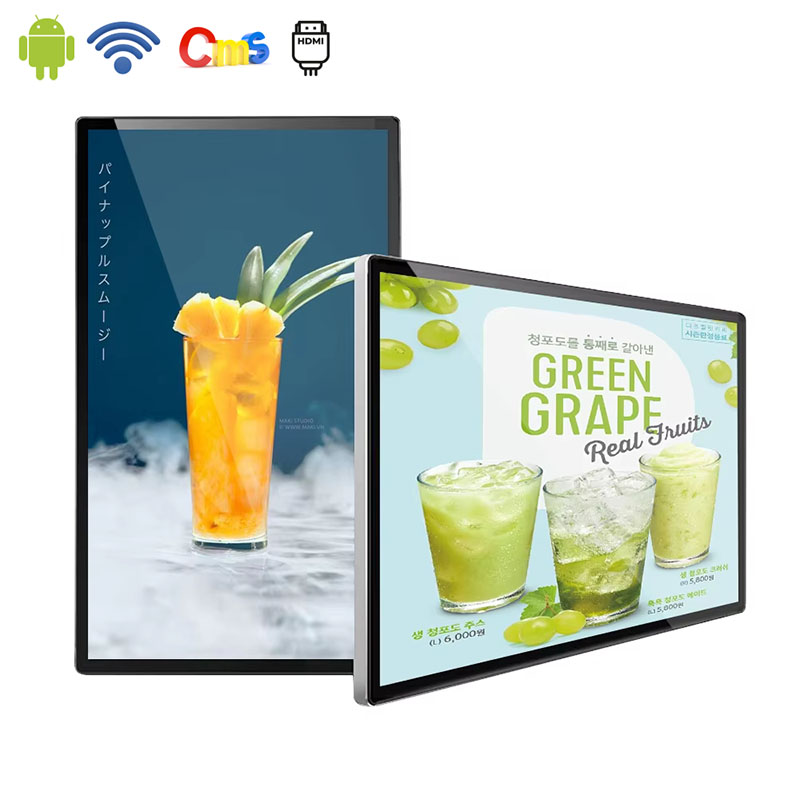
Alihh digital signage runs on Android with built-in CMS support, so teams can upload and manage images or videos for daily commercial communication. The official product range covers screen sizes from 10.1 to 86 inches, which leaves room to match the display to the wall, aisle, lobby, or service point instead of forcing one format everywhere.
A screen near a shop entrance has a different job from a screen inside an elevator or beside a restaurant queue. The first may have only a few seconds to pull attention from a distance. The second may need short information that can be read before the door opens or the line moves.
Define the screen’s purpose in one sentence before hardware is discussed. A display for a mall corridor may need stronger brightness and larger visual elements. A display inside a store can support product videos, promotions, or brand imagery at a slower pace because the viewer has more time to look.
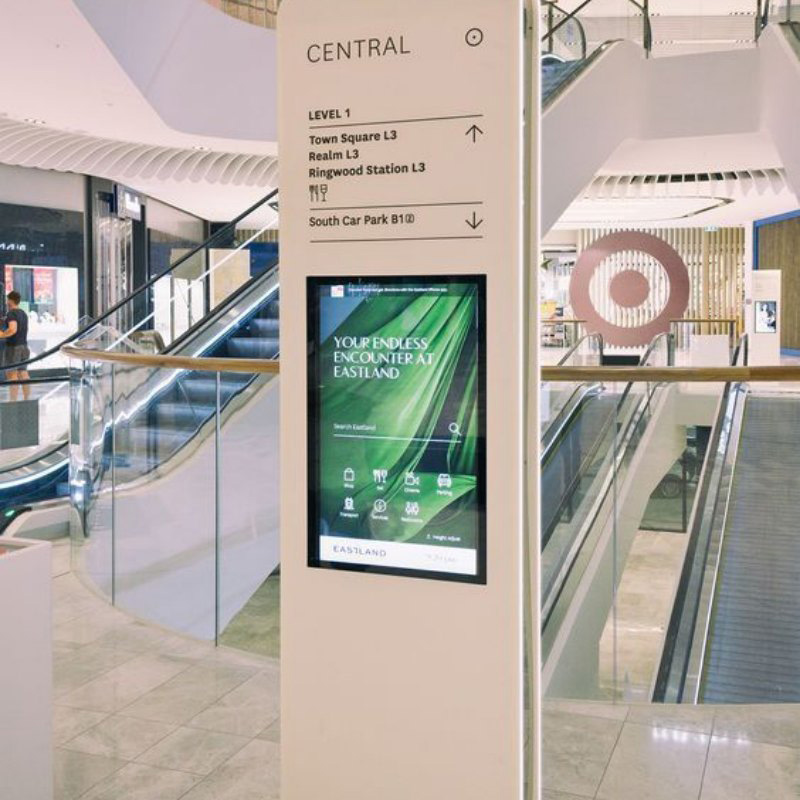
Retail digital signage often works as a visual assistant. It can introduce new arrivals, reinforce a campaign, show product videos, or support seasonal displays. In a shopping mall, the screen also has to compete with bright storefronts and moving traffic, so the message needs to read well in one short glance.
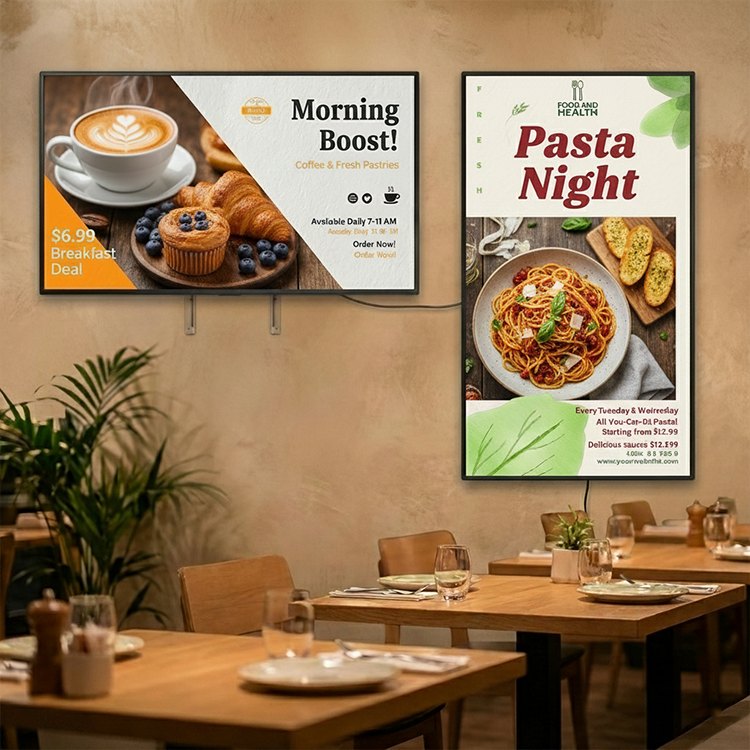
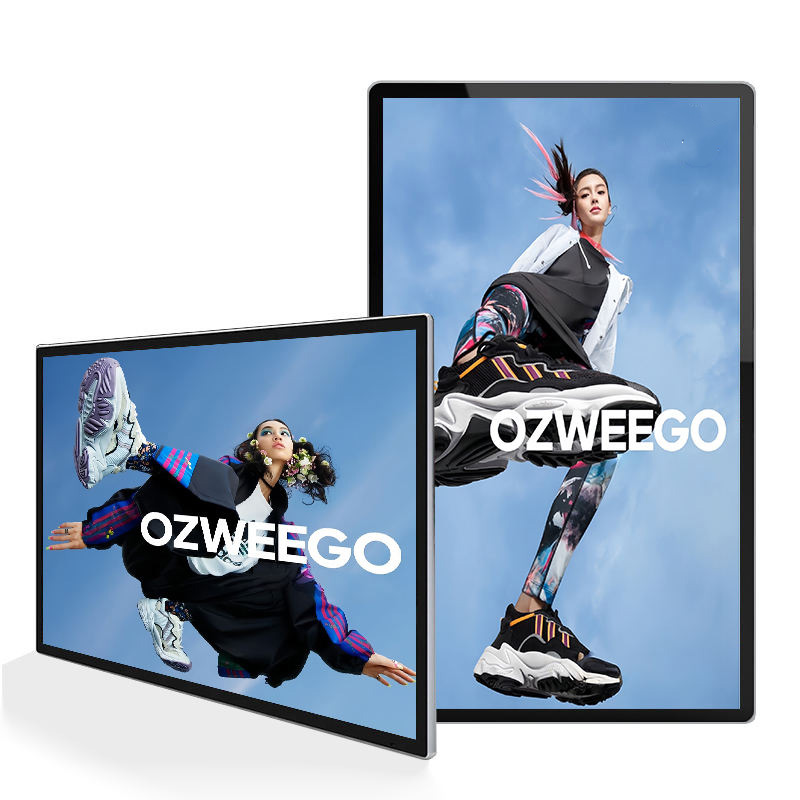
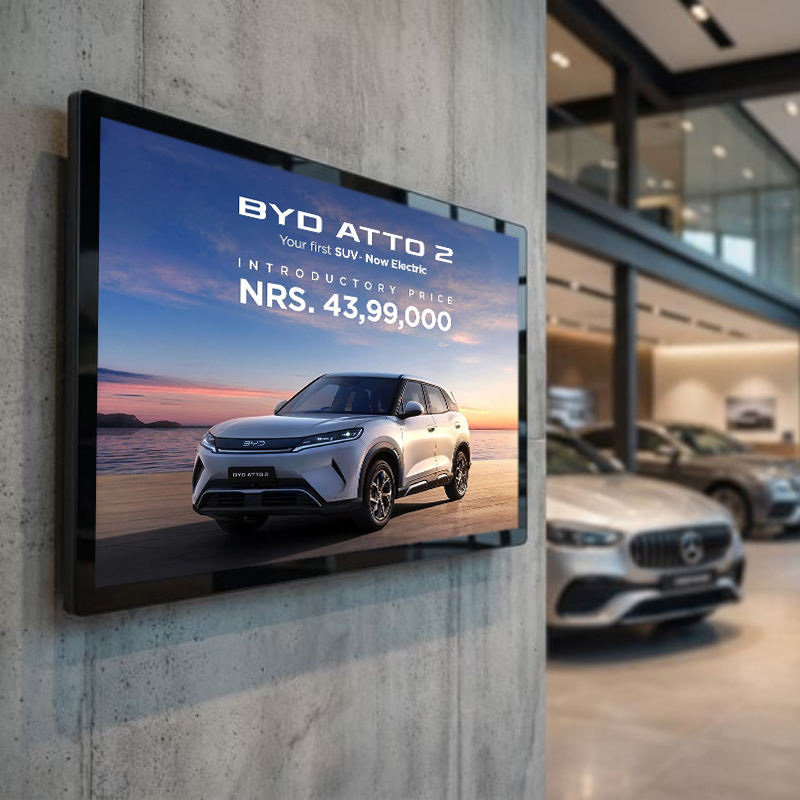
Wall-mounted digital signage is practical when the store has a strong wall surface near an entrance, checkout zone, or product feature area. It keeps the floor clear and gives the display a fixed visual role. Content should be written for that role instead of replaying the same file on every screen.
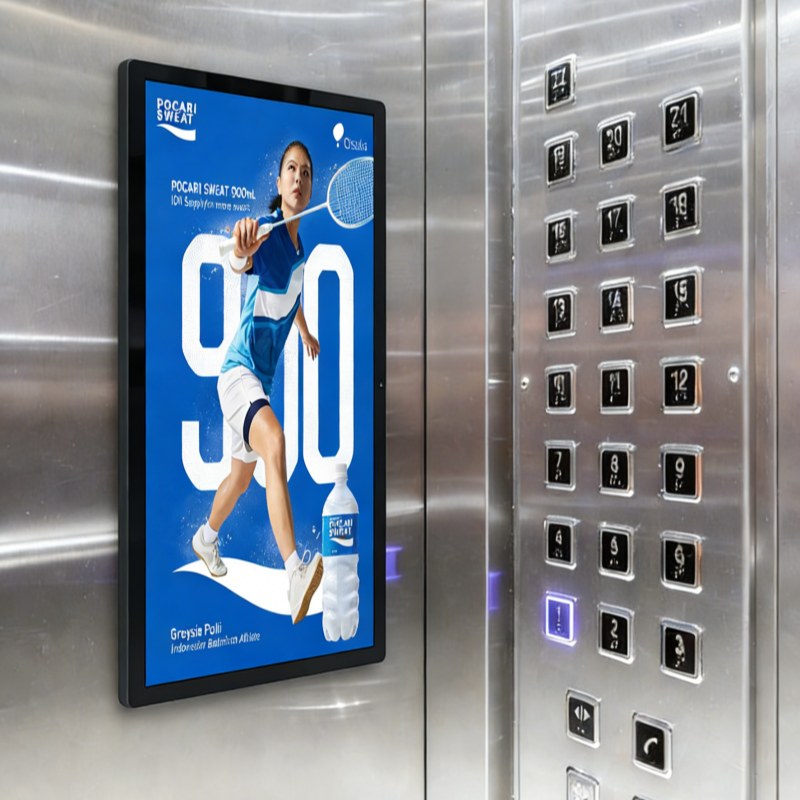
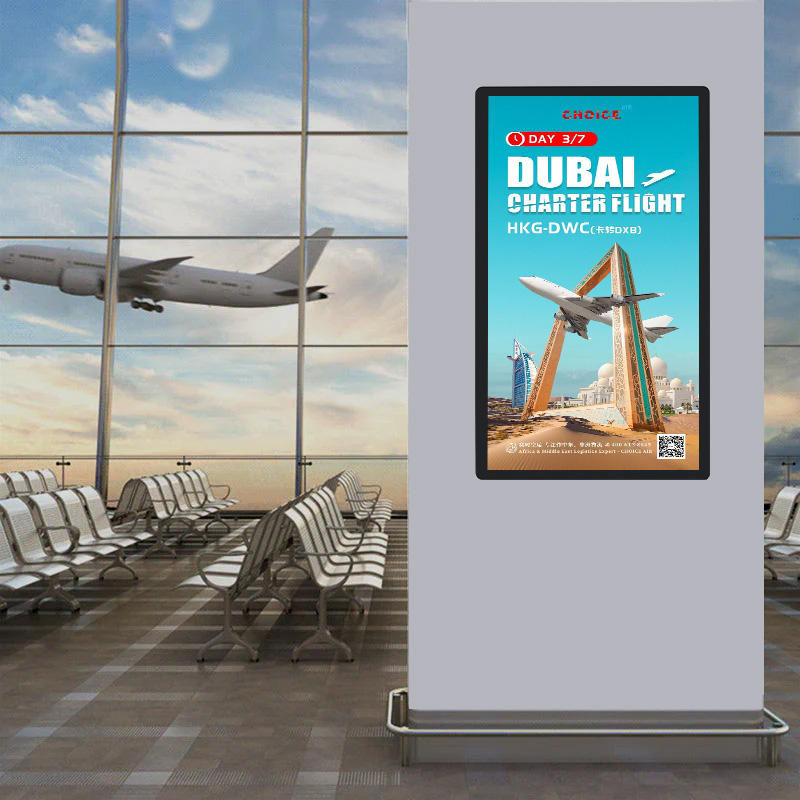
Restaurants may use digital signage for menus, promotions, or brand content, while elevators and public areas usually need faster information delivery. Viewers in these places do not always have time to watch a full video. Short loops, clear images, and simple messages are more reliable than dense layouts.
Alihh digital signage is positioned for commercial environments including elevators, shopping malls, supermarkets, retail stores, restaurants, and public areas. That range makes screen role planning important because the same display category can carry very different messages depending on where it is installed.
Android digital signage is useful when a project needs built-in playback and straightforward content management. Instead of connecting each screen to a separate external player, the display can run on its own platform and receive content through the available CMS workflow.
The CMS has to support ordinary work, not just a demo. Staff may need to upload images, add videos, arrange playlists, and update one screen or several screens. For a restaurant, that might mean changing menu content by time of day; for a retail group, it might mean aligning campaign visuals across branches.
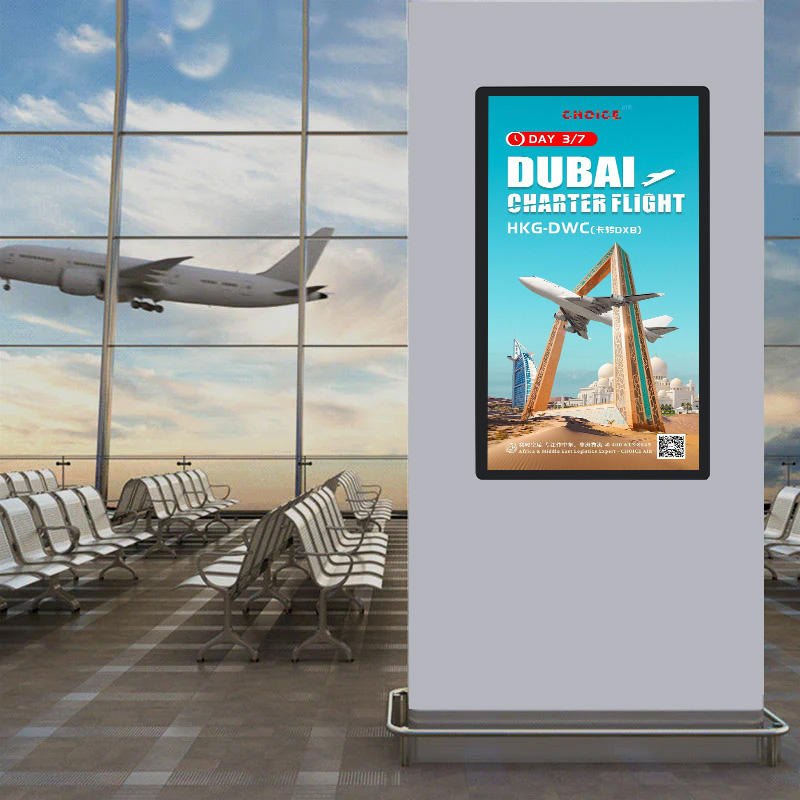
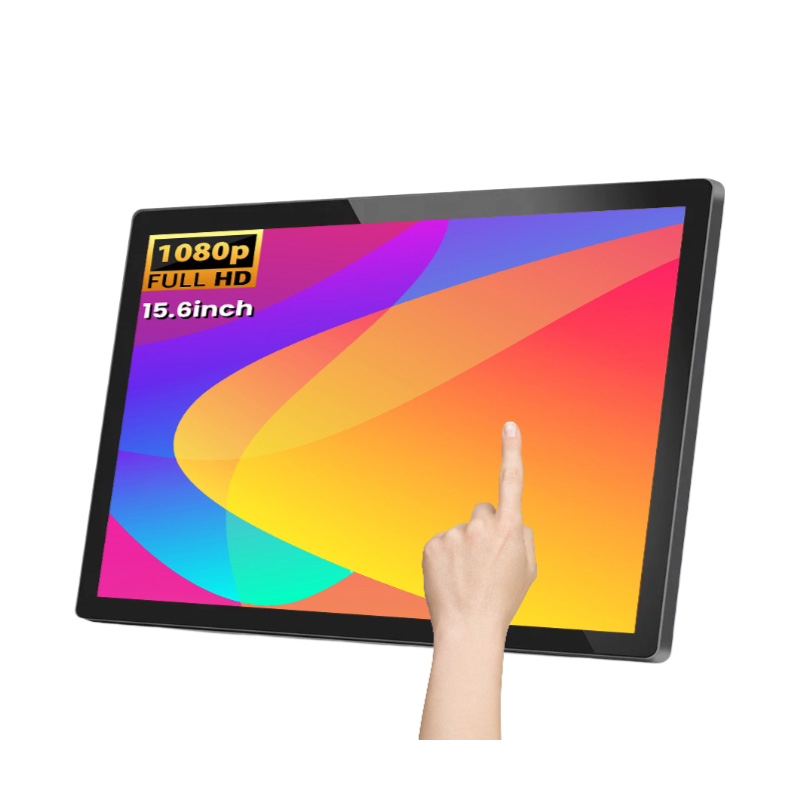
Not every commercial screen needs touch interaction. A non-touch digital signage display is often the better fit when the goal is advertising, product education, wayfinding, menu support, or general information playback. Without touch, the screen can stay focused on clear content rather than interactive navigation.
This distinction saves money and complexity during planning. If customers need to browse, order, search, or pay, an interactive display may be appropriate. If they only need to see a message at the right time and place, a stable advertising display screen is usually simpler to manage and easier to scale.
Screen size should follow the distance between the viewer and the display. A 10.1-inch screen can suit a compact information point, while a much larger display may be appropriate for a retail wall or public area. Alihh’s digital signage size range from 10.1 to 86 inches supports this location-based approach.
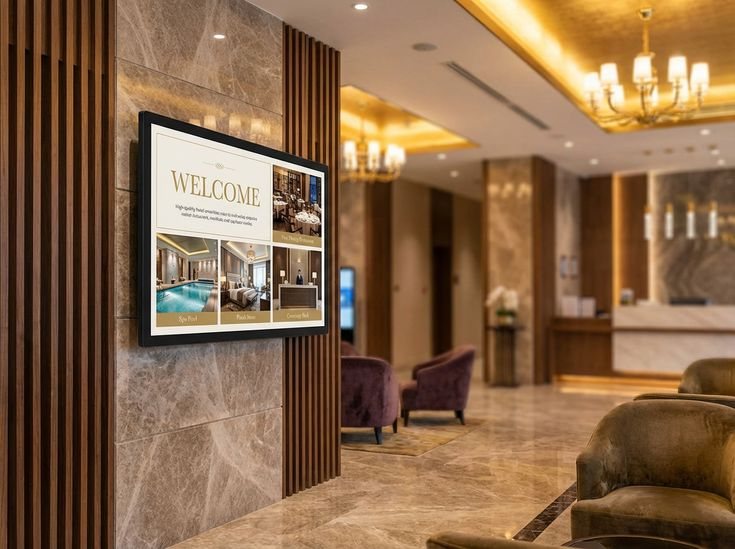
Brightness and viewing angle shape the result just as much as size. A screen placed in a bright store, mall, or lobby needs content that remains visible under commercial lighting. A wide viewing angle helps when customers approach from the side or pass through the space instead of standing directly in front of the display.
Installation choices affect daily operation long after the display is mounted. Wall position, cable routing, power access, ventilation, cleaning, and service clearance should be checked before the content plan is finalized. A beautiful screen becomes a headache if it is hard to reach or placed where glare hides the message.
Alihh service support includes system integration and software support for Android and Windows platforms, content management and CMS support, technical assistance, and customization for project-based requirements. These service areas matter when a commercial display project has to fit existing systems or a specific installation environment.
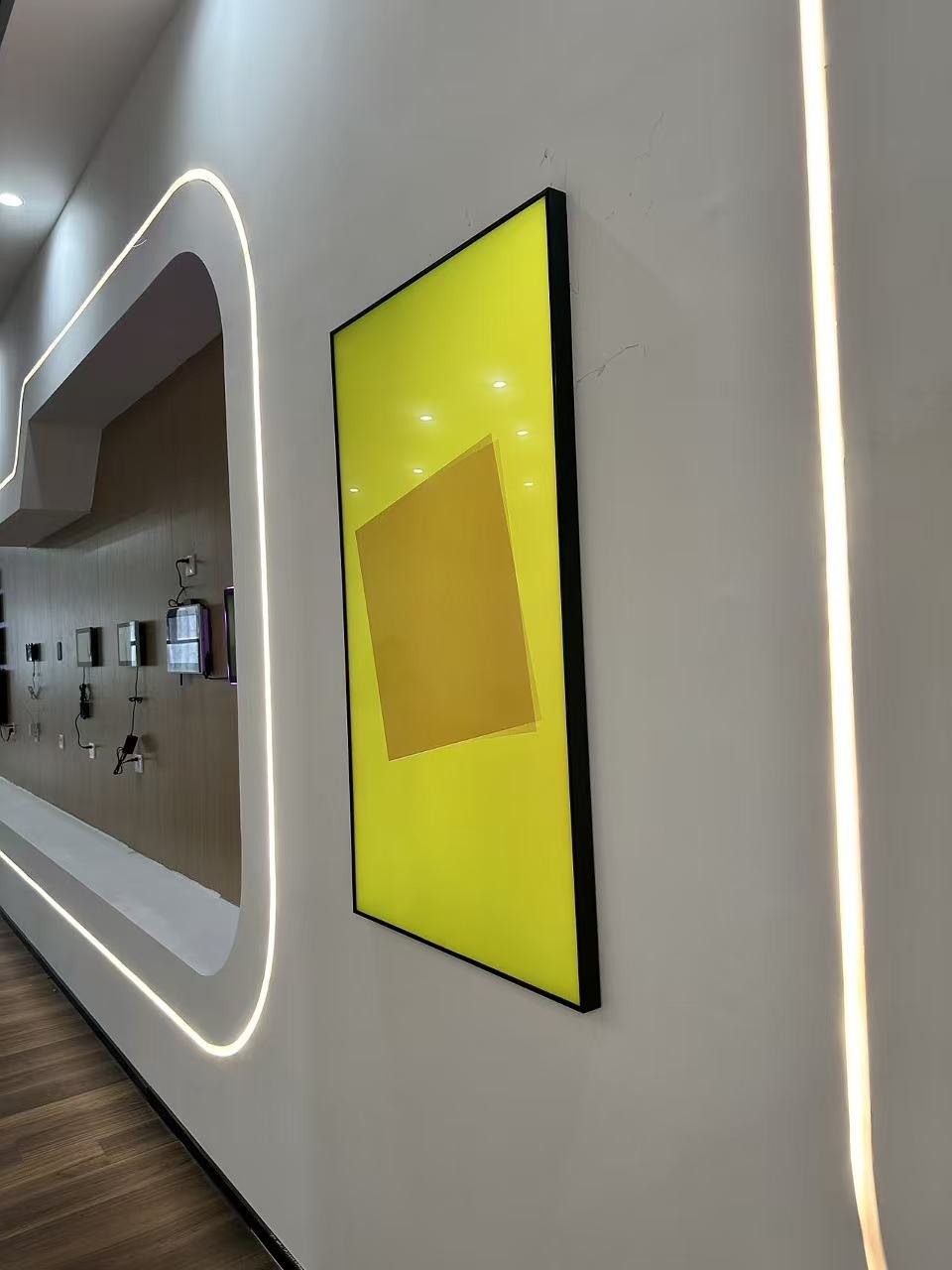
Alihh is a practical option when a project needs a commercial digital signage display with Android operation, CMS publishing, flexible screen sizes, and support for retail, hospitality, restaurant, and public environments. The wider commercial display range also helps teams compare digital signage with menu boards, touch displays, and other LCD products.
The most useful selection conversation is not only about screen size. It should cover what the screen will show, who controls the content, how often it changes, where the screen will be mounted, and how the display will be maintained over time.
Related product categories are worth comparing before the screen plan is locked, especially when a project may need menu boards, touch displays, or other LCD products alongside digital signage.
A digital signage display delivers the most value when it is matched to a clear commercial role. Retail stores may need campaign visibility, restaurants may need menu and promotion support, malls may need advertising impact, and public areas may need clear information delivery.
Alihh connects commercial LCD display hardware with Android operation, CMS content control, installation support, and practical screen-size choices. For a digital signage display setup that fits your location and content workflow, contact Alihh to discuss the right screen arrangement.
Contact Alihh today for expert guidance and a tailored digital signage solution for your space.
A: A digital signage display is meant for advertisements, product images, menus, announcements, directions, or any public messages. They are usually found in retail shops, restaurants, malls, lifts, hotels, grocery stores, and many more commercial places where the visual message requires updating.
A: Yes. Android digital signage is suitable for retail stores when the goal is to play images, videos, and scheduled promotional content through a built-in platform. It can simplify content updates and reduce the need for separate playback equipment, depending on the final project configuration.
A: Choose touch when users need to browse, order, search, or interact with an application. Choose non-touch digital signage when the screen only needs to display advertising, menus, brand visuals, or information. Non-touch screens can be simpler and more focused for passive communication.
A: Begin with what the screen does, the distance at which the screen will be viewed, the lighting, construction of the wall, and how often you need to update your information. Next, think about size, brightness, viewing angle, accessibility for power, cabling, and servicing.