We are committed to delivering high-quality LCD displays and digital signage solutions, combining reliable performance, competitive value, and professional support to help businesses communicate more effectively.
We are committed to delivering high-quality LCD displays and digital signage solutions, combining reliable performance, competitive value, and professional support to help businesses communicate more effectively.
 author
POS Touch Screen Monitor: A Practical Buyer’s Guide for Retail and Self-Service
Choosing a POS touch screen is not simply a matter of diagonal size or resolution. A request for “21.5-inch POS touch screen” still leaves out one decisive word: computer. It may already sit beneath the counter, or the new display may be expected to contain it. Installation, support and replacement differ accordingly.
ALIHH supplies touch monitors alongside all-in-one touch PCs. The units may resemble one another online; on a wiring drawing they are quite different. Begin there, with the application host marked in.
The project sheet needs one completed line: “Our POS application will run on…”
An existing Windows PC, Android box or kiosk controller may fill the blank. That usually points to a monitor. Video travels towards it; touch data commonly returns over USB. No till application runs on the monitor alone.
An all-in-one touch PC removes the separate computer box. The counter is simpler, although screen and computer then share one housing and one service decision. Spare units and future branches must follow the same architecture; it is not merely a quotation choice.
The main sales screen is a poor final test. Open the refund window, longest product or modifier list, product search and manager sign-in. Include the procedure behind the most support calls—perhaps an order correction, split payment or search through a large menu. Older dialogs often expose scaling, scrolling or touch-target problems concealed by the daily sales view.
Set the scanner, payment terminal, cash drawer and printer in their intended positions during the trial. Repeat an entire transaction. That is long enough for an awkward reach to show itself, while the furniture can still be changed.
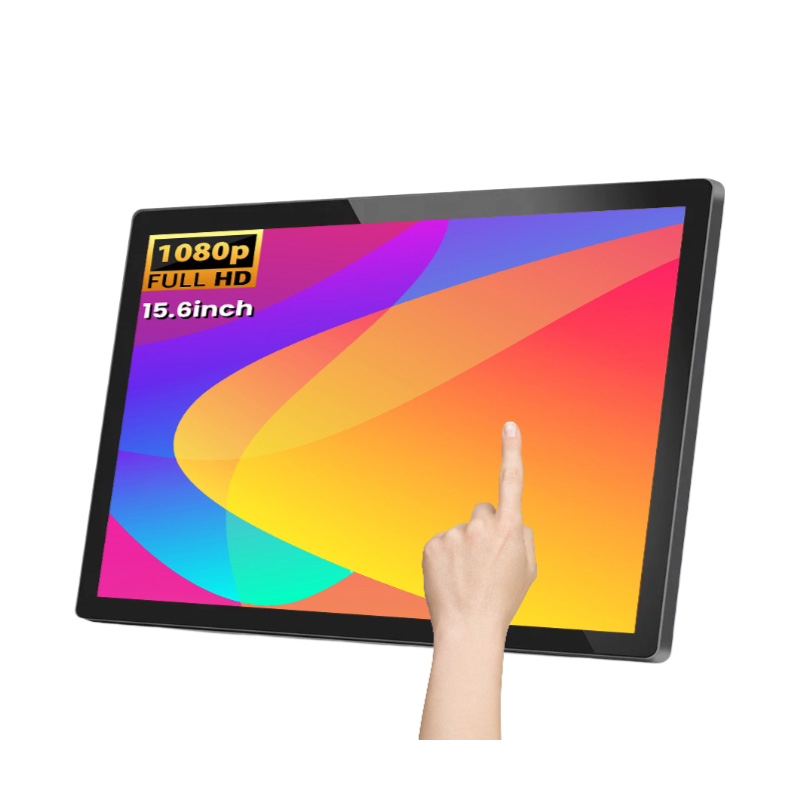
ALIHH’s 15.6-inch capacitive touch monitor is specified as a 1920 × 1080 IPS display; options extend from 18.5 to 32 inches. Keep production scaling when the shop application is loaded. Older software may spend those extra pixels on smaller letters, something a blank desktop will never show.
Check glare from the cashier’s working position, both seated and standing where relevant. A window may sit behind one counter; another may catch a ceiling lamp only on a dark screen. The OSHA monitor guidance was written for computer workstations, yet its observations on angle, adjustment and reflection remain useful at checkout.
The sales screen appears normally, but a tap on “New Order” does nothing. This familiar commissioning fault has a simple explanation: video is working and touch is not.
For this 15.6-inch ALIHH model, the published connections are HDMI, VGA and USB; Android, Windows and Linux are named as compatible systems. Ten-point capacitive touch and a response time below 6 ms are also specified. Useful facts, all of them. Even so, put the proposed computer, its precise system build, shop application and production leads on one bench before committing the order.
Do not end the test after one successful tap. Leave the display awake for one computer restart, then reverse the waking order. Pull the USB lead and return it. Add the second screen, touch the cashier side and note the pointer’s destination. A portrait build should be turned during this bench session, while mapping is still easy to correct.
The resulting installation note is brief but exact: socket, lead and length, driver or setting, display map, scale and software build. It should let the next technician repeat the arrangement without investigating the first branch.
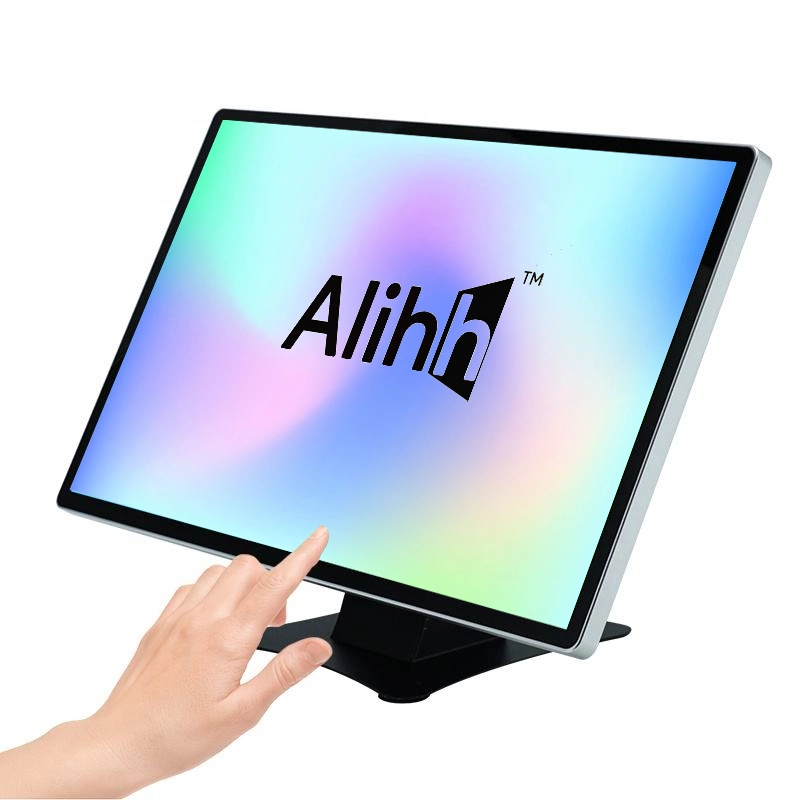
On a small checkout where the computer already exists, 15.6 inches is the logical first page to open. HDMI or VGA carries its picture and USB returns touch, leaving the application host separate.
An exposed retail or hotel desk may need more interface area. There, compare the 21.5-inch desktop touch monitor; its finished base remains accessible above the counter.
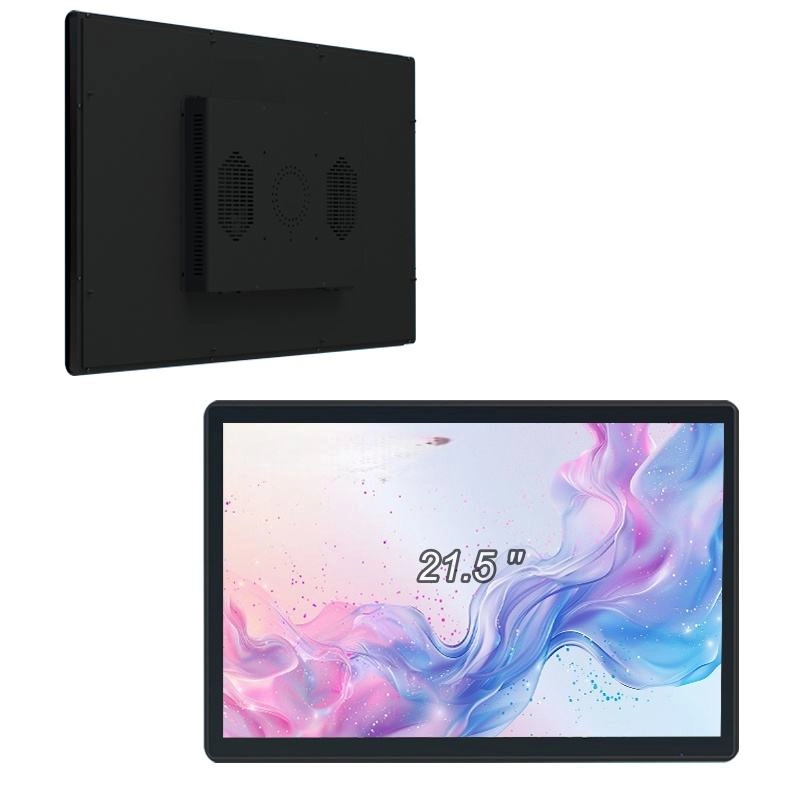
A kiosk changes the construction. The 21.5-inch open-frame touch monitor puts HDMI, VGA and USB in a metal housing intended for integration. Treat it as part of the cabinet, rather than a ready-made counter unit. When the rear compartment must provide the computer too, compare the all-in-one arrangement on the same drawing.
A desktop base must resist a touch near its edge; a pole trades hardware for more free counter. An open-frame job has two dimensions to satisfy: the fit today and the route out later.
Place the aperture and fixing holes on the drawing first. Bezel overlap comes next, then cable bends, air space and the route of withdrawal. Trace a routine lead replacement on paper. If unrelated parts leave with it, the cabinet needs another pass.
The first installation gives no warning about later access because every part is new. Read the drawing as though a power supply had to be checked before the shop opened. Reserved space now prevents a longer visit later.
For bare-finger retail and self-service work, capacitive touch is often a sensible fit. The term says nothing about environmental protection. Nor does a glass face, by itself, establish resistance to liquid, chemicals, impact or dust.
Put the operating conditions in the brief: staff gloves, approved cleaning method and any required protection rating. Those entries can be matched with evidence for one model; the words “capacitive touch” cannot answer them.
Peripherals sit outside that promise. Scanners, payment terminals, cash drawers and printers answer to the computer, drivers, application and local payment arrangements. Thus “Windows compatible” on a display page cannot approve the complete lane.
Follow the cables from the operator’s side while every drawer travels fully. Label each end. Support the slack used for adjustment and relieve strain at the connection; tidy concealment is of little value if the lead cannot be reached.
Before dozens of units travel, let one production-like lane expose what remains. Its computer, mount, cable lengths, application and peripherals should match the planned rollout. Several operators should use it through an ordinary shift, not merely a guided demonstration.
Record the task and circumstances behind each complaint. Add an infrequent procedure, brief network loss and restart. For self-service, step away and let an unfamiliar user finish the session unaided. The result is usually more revealing than five minutes of guided tapping.
Once approved, freeze the hardware list, software version, touch settings, scale and mount. Send that record with later branches so a local change is deliberate and visible.
Contact ALIHH now to send the application host, operating system, preferred size, connections, drawing, operator conditions, quantity and destination. We will compare the desktop, open-frame and all-in-one formats against that actual POS or kiosk arrangement—not against the generic label “touch monitor.”
A: It presents the sales interface and returns the operator’s touches to a separate computer, often beneath the counter or elsewhere in the kiosk.
A: No. The monitor relies on another device. An all-in-one carries its computer behind the display, reducing boxes while joining both parts for service.
A: For a compact counter, begin at 15.6 inches. A larger exposed workstation points towards the 21.5-inch desktop; an enclosed kiosk points towards the 21.5-inch open-frame. The all-in-one is the route which also supplies computing.
A: The image may arrive through HDMI or VGA while touch returns through USB. Inspect that second path, including recognition, driver or setting and display mapping.