We are committed to delivering high-quality LCD displays and digital signage solutions, combining reliable performance, competitive value, and professional support to help businesses communicate more effectively.
We are committed to delivering high-quality LCD displays and digital signage solutions, combining reliable performance, competitive value, and professional support to help businesses communicate more effectively.
 author
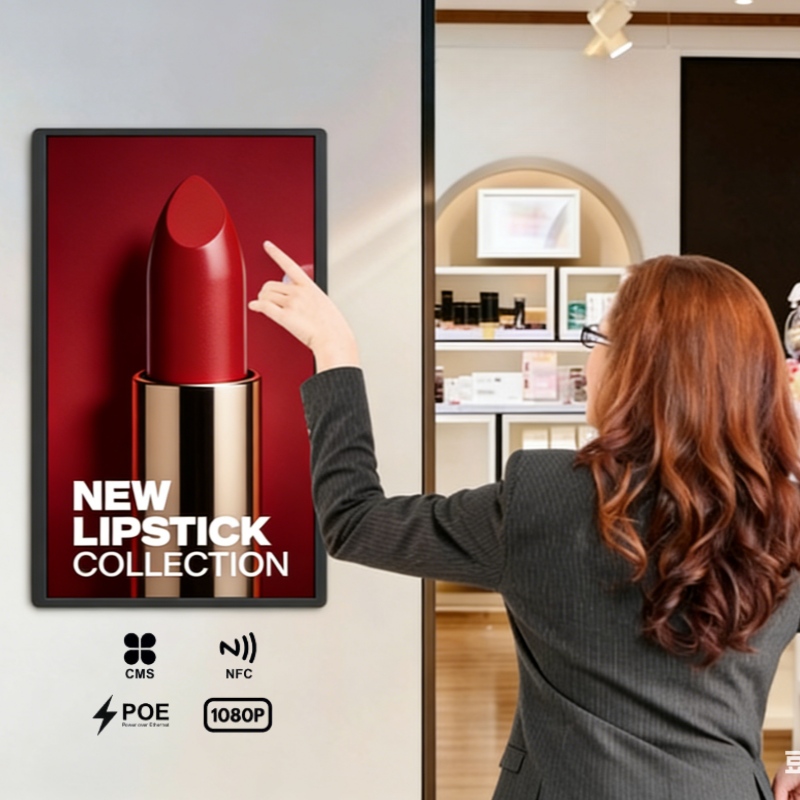
The concept of an all-in-one pc touch screen centers on combining several hardware parts into a single device. This approach places the monitor, CPU, and input tools together, so there is no need for separate towers or tangled cables. The outcome is a neat workspace that supports better focus and improves the look of the area.
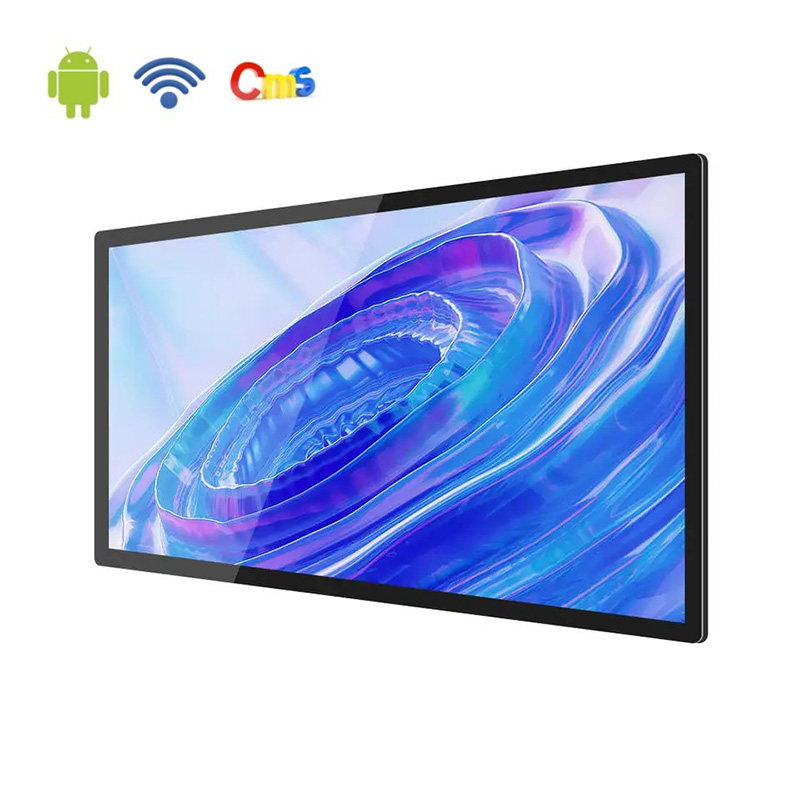
Alihh’s Android/ Windows touch screen turns ordinary screens into interactive surfaces. Both Android all-in-one and Windows all-in-one units can be set up for particular business tasks while keeping a small footprint. These units work with different operating systems and give companies the choice between mobile app support and full desktop performance.
All-in-one technology has moved from large desktop cases to slim touchscreen models built for daily commercial use. In the last ten years, gains in processor speed, screen clarity, and lower power draw have changed how companies install computing tools.
The system runs on a steady Android or Windows base. This base delivers smooth operation and reliable service over many years. Modern all-in-one touchscreen computers now fit well in busy spots such as stores, dining areas, and offices where space and direct interaction matter most.
As more fields move toward digital tools, these units continue to appear in places that need compact hardware and quick user response.
Touch control has changed daily work by letting users reach digital content directly. With an all-in-one pc touch screen, staff can move through programs using their fingers instead of always needing a keyboard or mouse. This direct contact speeds up tasks like entering numbers, running slide shows, or checking documents.
The screens use fast capacitive touch layers that accept up to ten contact points at once. This setup helps workers finish jobs more quickly and keeps desks free of extra devices. The benefit shows up clearly in retail counters and service desks where speed counts.
In shared rooms such as meeting areas or design studios, multi-touch lets several people work on the same screen at the same time. Groups can sketch ideas together or shift charts during a review without passing a single pointer.
The same feature helps in customer areas like hotel lobbies or shop displays, where direct input raises satisfaction. Multiple users can add notes or select options without waiting for one another.
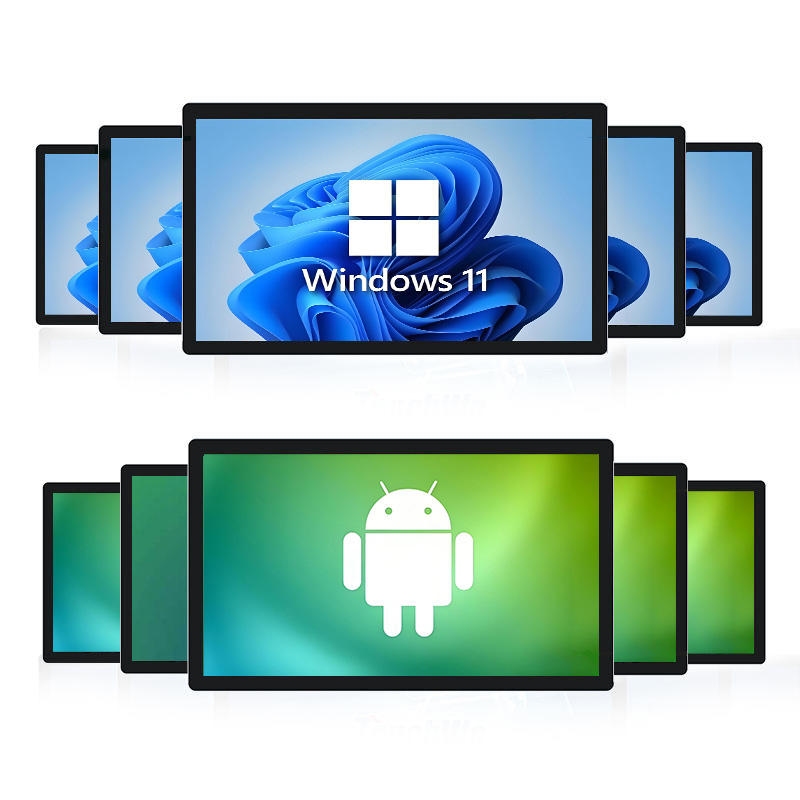
Windows all-in-one and Android all-in-one systems differ mainly in how they handle software and what tasks they target. Windows platforms run heavy business programs such as design suites or data tools and suit offices that need strong computing power. Android platforms focus on lighter tasks and app-based work common in signage boards or checkout stands.
Both systems accept third-party apps and connect with existing business software. The final pick depends on whether the site needs heavy processing or simple, flexible use.
Windows all-in-one models handle demanding jobs such as CAD drawings or financial reports because of their stronger internal parts. Android all-in-one units work better for digital signage networks or interactive stands where content updates happen often and remote control is useful.
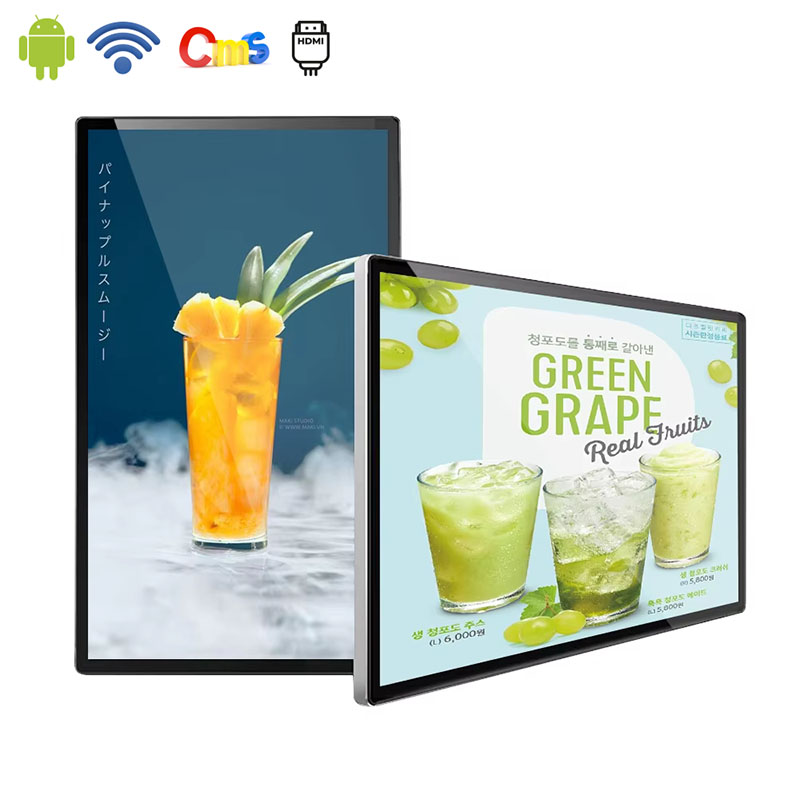
Every unit is equipped with software for content management. Pictures and videos can be uploaded through USB ports or even via network without requiring additional software. The hardware specifications like the processor, RAM, and hard disk space are flexible and can be varied according to the size and nature of the project.
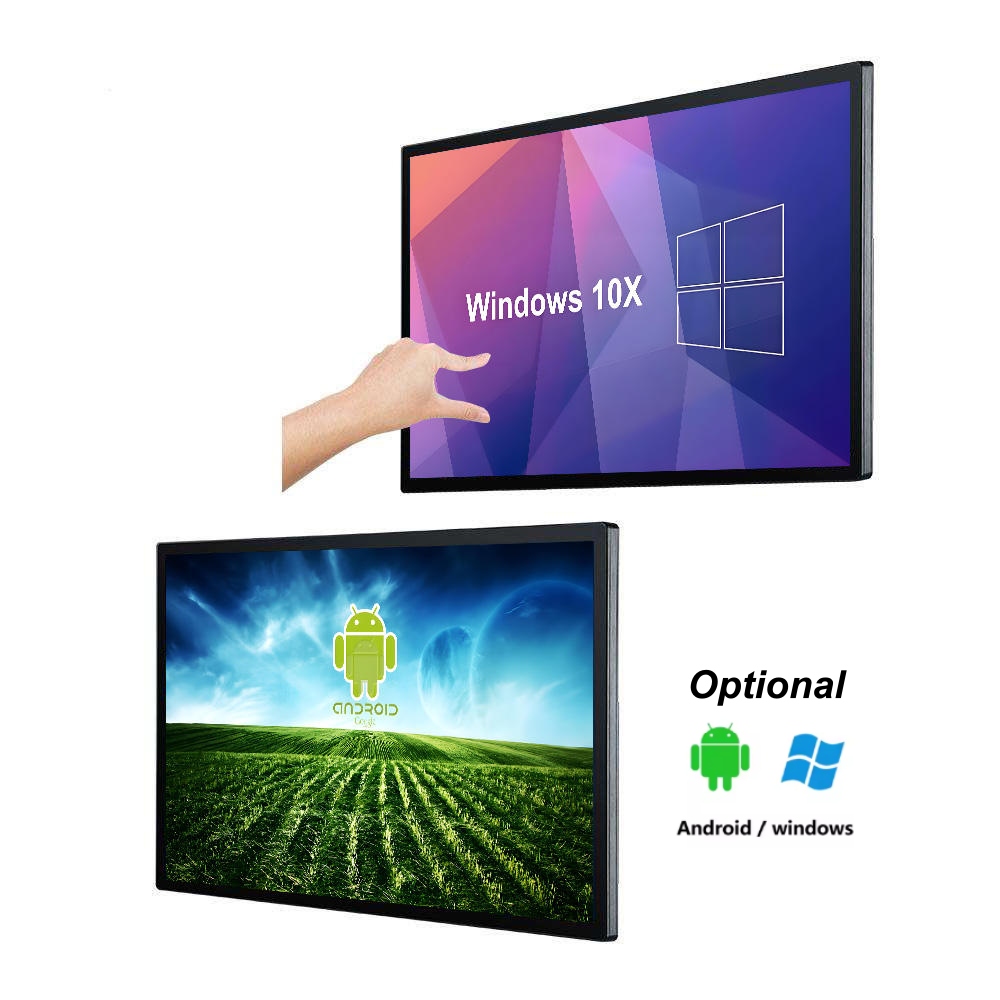
Modern workspaces favor clean lines and efficient layouts. An all-in-one touchscreen places every main part inside one case, so desks stay clear and cable runs stay short. This layout helps small reception desks or tight office corners where floor space is limited.
The design also cuts the number of service points for IT staff, making regular checks faster than with separate desktop towers.
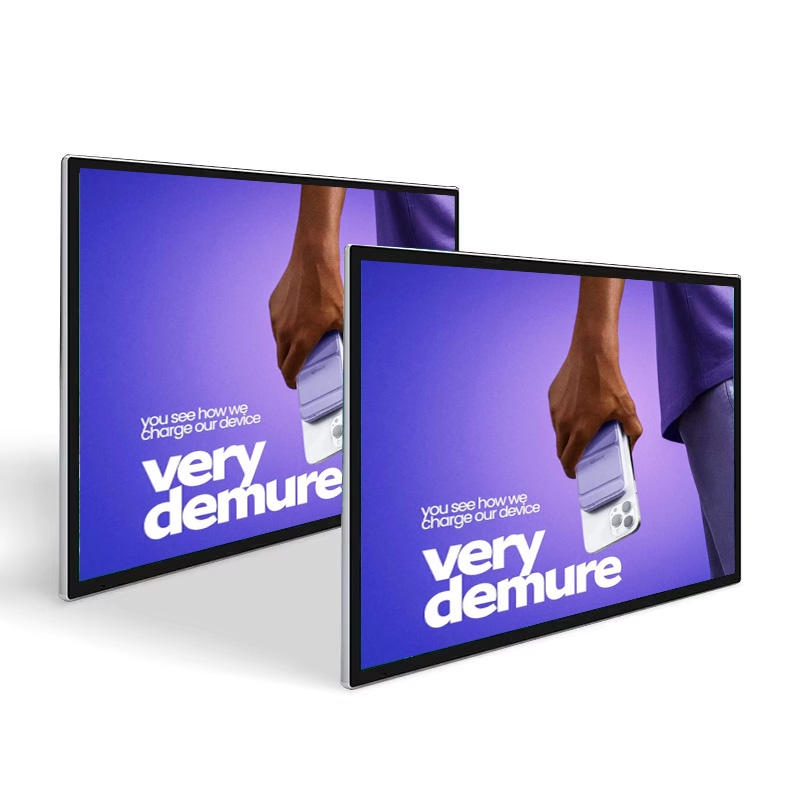
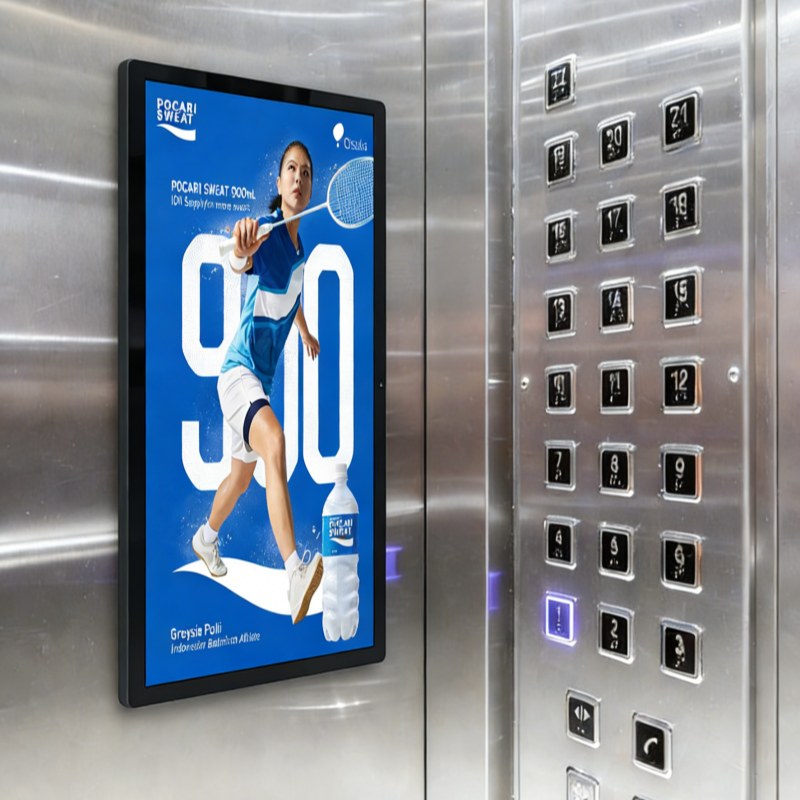
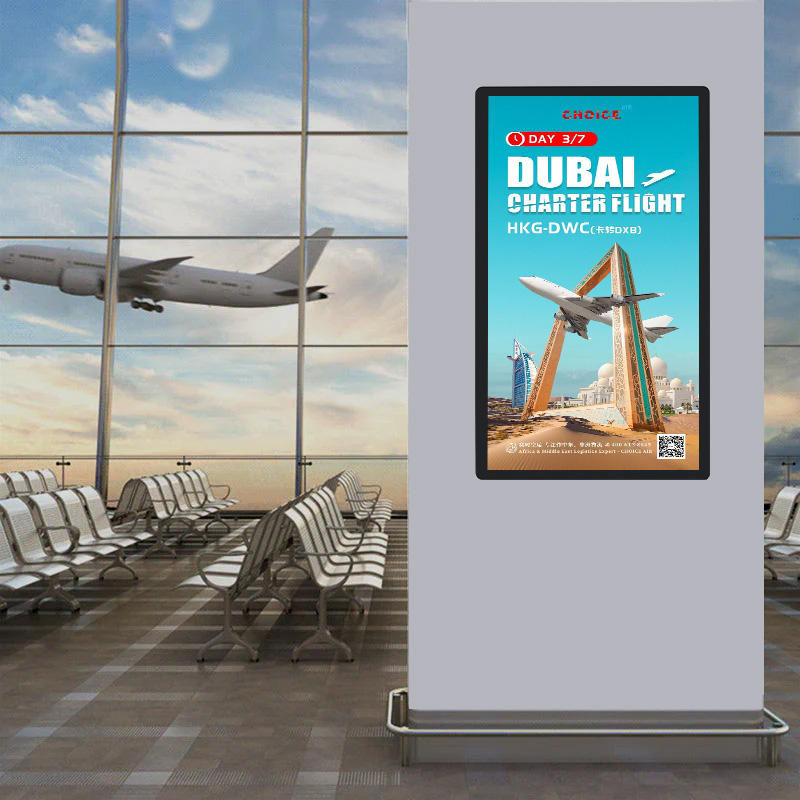
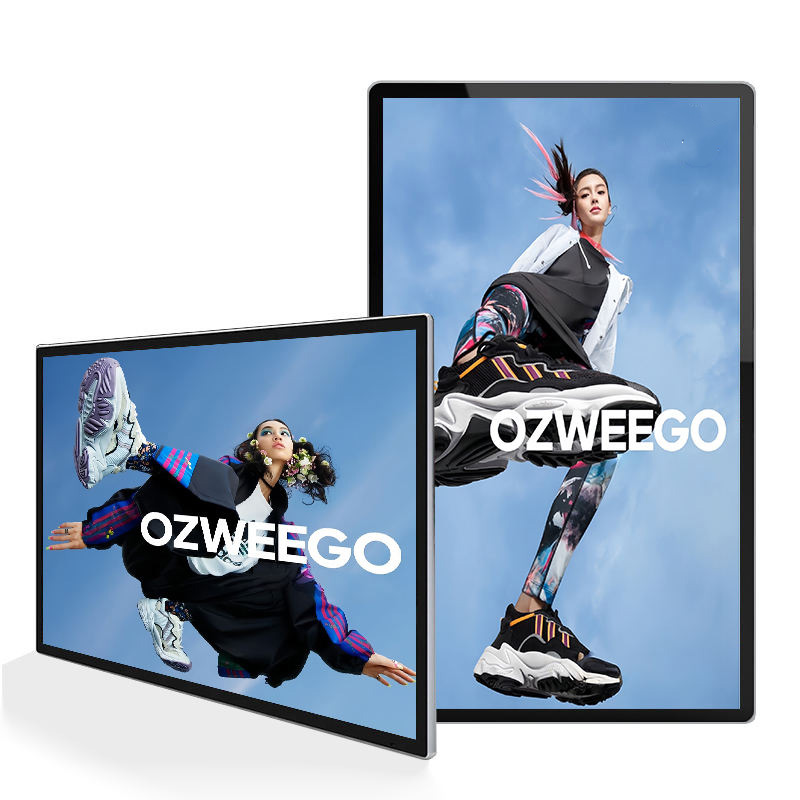
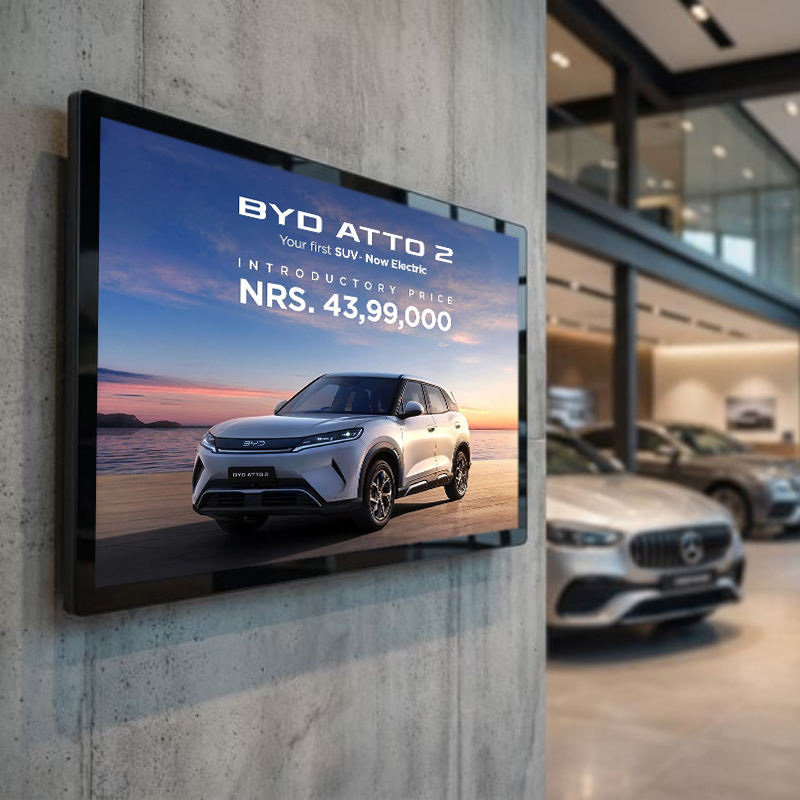
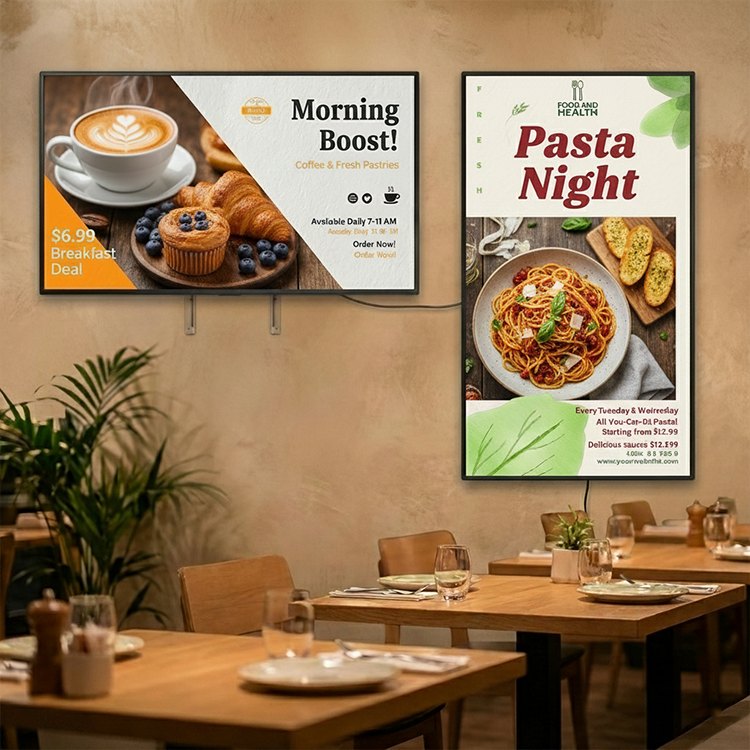
Looks matter when equipment sits in public view. Slim frames and sharp displays give a professional feel that matches current office styles. Companies can select screen sizes from ten inches to ninety-eight inches and choose wall or floor mounts to fit each location while keeping a consistent brand look.
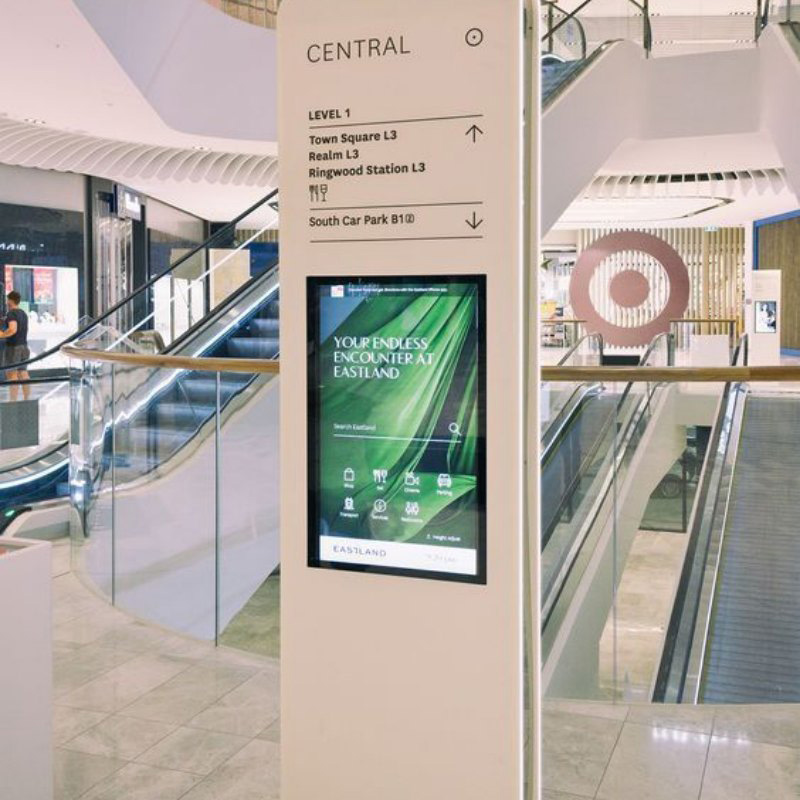
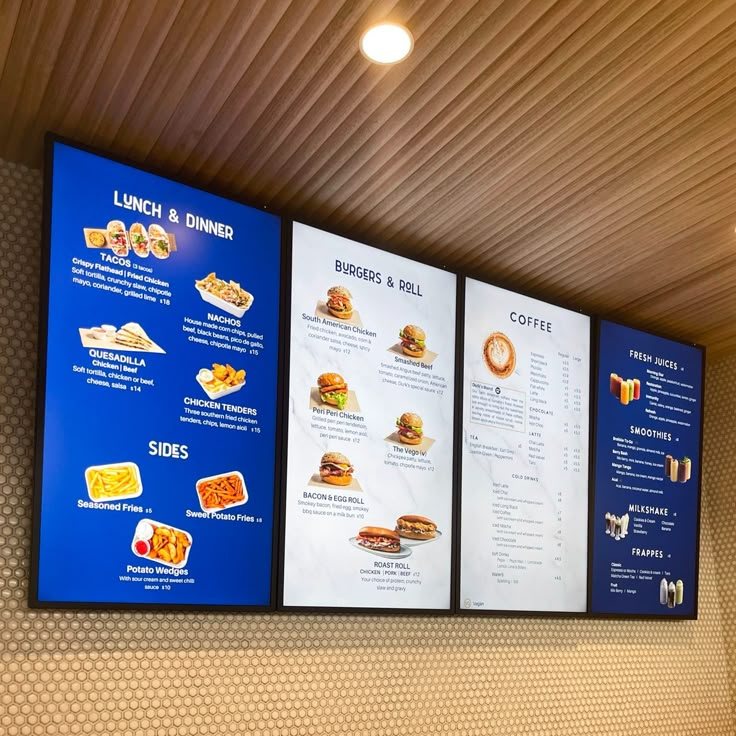
Retail stores use Android all-in-one touch screens to speed up checkout and track stock levels. Touch input lets staff scan items and complete sales without extra devices taking up counter space. The same units support quick inventory checks during busy periods.
In office settings, Windows all-in-one units serve as shared screens for video calls, joint document work, and live presentations. Staff can plug in and start without moving extra keyboards or cables, which helps teams that mix remote and on-site work.
Touch screens give quick access to patient files. The all-in-one design has fewer surfaces to clean, which helps maintain hygiene rules in clinics and hospitals.
Multi-touch display systems are used in classrooms to project lessons where students can interact. Teachers have the ability to write on the screen, manipulate objects and keep the classroom engaged without having to switch between multiple devices.
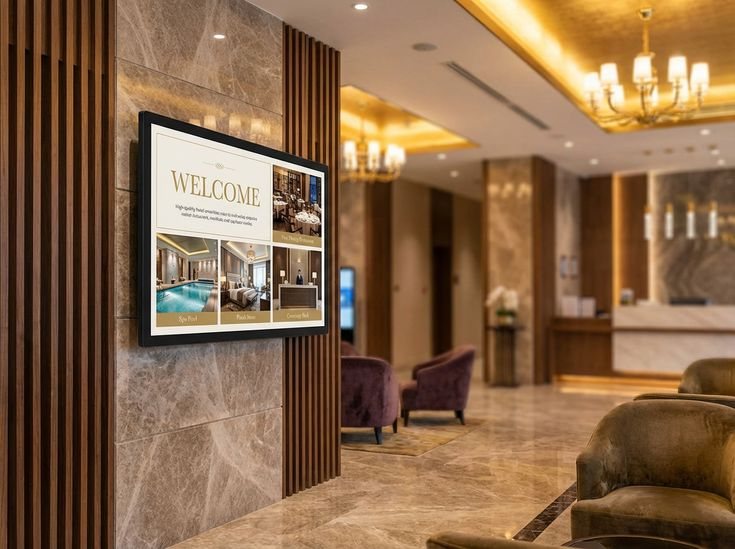
Hotels install Android all-in-one touch screens in front desks and restaurants for guests to check in and place orders respectively. This saves time and makes it possible for the employees to attend to other services.
Artificial intelligence now helps screens learn common user steps and adjust menus in advance. Cloud links let managers send updates to every unit from one central point, so changes appear across locations without manual visits.
Real-time data moves between devices through these cloud connections, keeping content and settings current at all sites.
Newer models make use of components that use less energy while still providing a bright and quick response time on the display. Manufacturers will also select materials that allow the device to be recycled once its lifespan is over.
Makers now offer modular builds so storage or screen sections can be swapped without replacing the whole unit. This lets businesses upgrade only the parts they need when demands grow or change.
Software options also stay open, allowing new features to be added through updates rather than hardware swaps.
Windows all-in-one pcs bring steady performance for office work, while Android all-in-one models offer flexible options for signage and checkout use. Both styles show how one integrated device can save space, look modern, and make daily tasks easier across many industries. Alihh has supplied these solutions since 2012 and continues to support companies that need reliable smart display hardware.
For help choosing the right all-in-one touchscreen setup for a specific site, contact us today.
A: Alihh’s Windows all-in-one solutions pair strong Intel processors with clear LCD panels that run for long hours in busy conditions. The units meet ISO quality checks at each production step.
A: Alihh offers OEM/ODM services that cover screen sizes from 10 inches to 98 inches, brightness levels for indoor or outdoor spots, and mount styles that include wall and floor options. Customers can also request custom housing colors and ports.
A: Retail stores use the units for checkout stands. Hotels place them for guest self-service. Hospitals rely on them for patient information access. Schools adopt them for interactive lessons. Offices use them for shared meeting displays. Each sector gains faster service and simpler hardware management.