We are committed to delivering high-quality LCD displays and digital signage solutions, combining reliable performance, competitive value, and professional support to help businesses communicate more effectively.
We are committed to delivering high-quality LCD displays and digital signage solutions, combining reliable performance, competitive value, and professional support to help businesses communicate more effectively.
 author
A capacitive vs resistive touch screen decision should be based on the user’s input method, operating environment, software, installation structure, and maintenance needs. Capacitive technology is generally the stronger fit when a commercial interface needs clear visuals, responsive gestures, and multi-touch control. Resistive technology remains relevant when pressure input, a basic stylus, or operation through ordinary gloves is more important than gesture-based interaction.
For purchasing teams and system integrators, the practical question is not which technology is universally better. The right choice is the one that matches the real workflow without adding unnecessary hardware, integration risk, or service complexity.
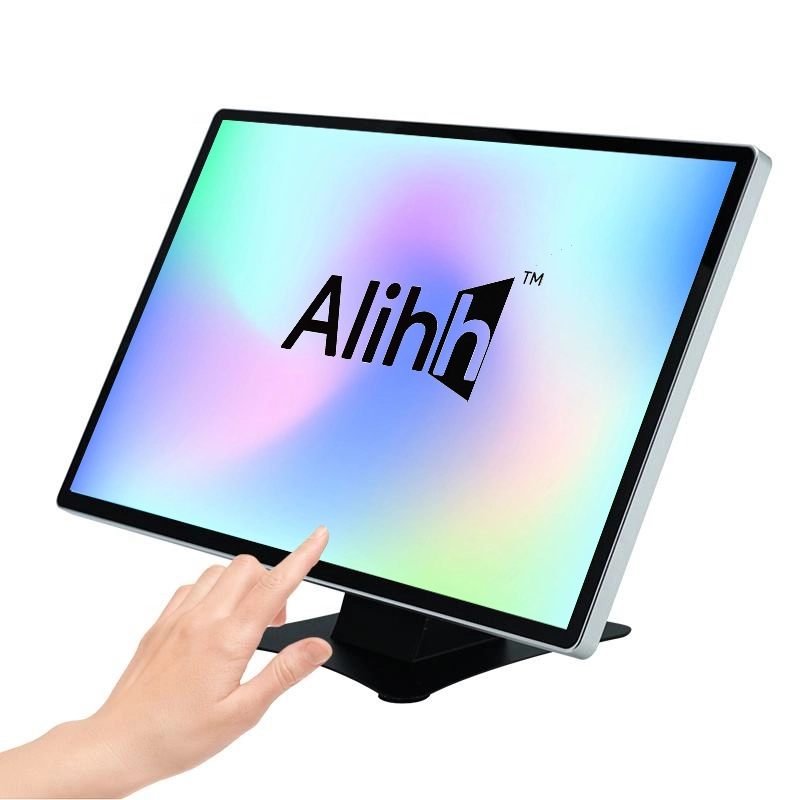
A capacitive touch screen detects changes in an electrical field when a conductive input, normally a finger or compatible stylus, approaches the glass surface. Because the front layer can remain rigid, the interface can support a smooth edge-to-edge appearance and direct, light-touch operation.
Multi-touch is a key purchasing advantage. It enables gestures such as pinch, zoom, and two-finger control, which are useful in product browsing, self-service, interactive presentations, and other applications designed around modern touch behavior.
A resistive touchscreen responds when pressure brings two conductive layers into contact. The operator can therefore use a finger, a simple stylus, or another firm input object without relying on the electrical characteristics required by a capacitive sensor.
That pressure-based method can suit controlled interfaces where users wear ordinary gloves or make single, deliberate selections. However, purchasing teams should evaluate whether the application also needs multi-touch gestures, an edge-to-edge glass appearance, or the lighter touch response expected in customer-facing systems.
Capacitive touch usually feels closer to a smartphone because it responds to a light touch and can track several contact points. Alihh capacitive touch monitors support 10-point multi-touch, allowing an interface to use gestures or multiple simultaneous inputs when the connected software supports them.
Resistive touch is better understood as pressure-driven selection. It can be effective for straightforward buttons and menus, but a buyer should not assume that it will deliver the same gesture vocabulary or fluid interaction as a multi touch capacitive touchscreen.
The touch layer sits in front of the LCD, so its construction affects how users see and clean the display. A rigid capacitive surface supports a clean visual presentation for retail counters, kiosks, information terminals, and other public-facing installations.
A resistive design uses a flexible pressure-sensitive layer. It may still be appropriate for the task, but buyers should review the finished module rather than judging only the panel resolution listed in a quotation.
Input conditions can reverse an otherwise obvious choice. If operators must use ordinary work gloves or a simple non-conductive stylus, pressure-based resistive input may be easier to specify. If the project uses bare fingers, a compatible capacitive stylus, or a customer-facing interface, capacitive touch is often the more natural option.
Do not treat general statements about gloves, moisture, dust, or outdoor operation as product guarantees. Ask the supplier to confirm these conditions for the selected configuration, especially when the project requires a sealed enclosure or a defined environmental rating.
The front surface, enclosure, mounting method, cable access, and host computer all influence maintenance. A system-free touch monitor can simplify replacement planning because the display and the computing platform remain separate, while an all-in-one device combines those service decisions.

Customer-facing kiosks benefit from quick response, familiar gestures, and a clear interface. Ten-point capacitive touch can support product selection, navigation, ordering, and visual exploration without requiring a keyboard or mouse.
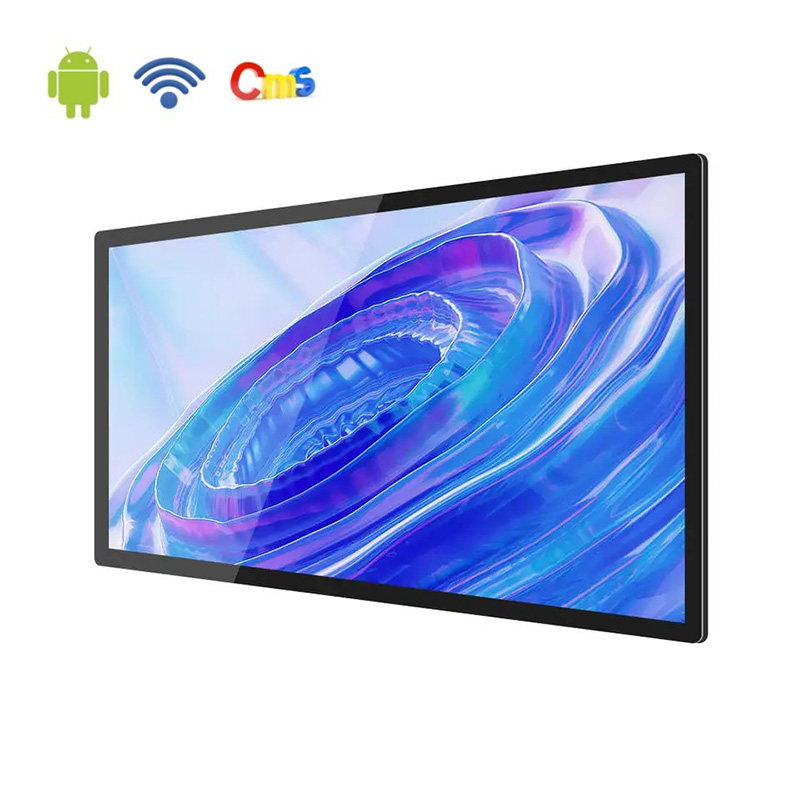
Alihh positions its capacitive touch monitor as a system-free display rather than a unit with a pre-installed Android or Windows operating system. This lets an integrator connect the monitor to an external PC, player box, mini PC, or another selected platform.
Open-frame integration is useful when the display must become part of a larger kiosk or equipment enclosure. The mechanical drawing, active display area, mounting points, ventilation, front clearance, and service access should be confirmed before the enclosure is finalized.
To compare product categories and customization options, explore Alihh’s commercial display solutions before requesting specifications and documentation for your selected configuration.
A system-free monitor gives developers control over the host platform and application image. Alihh touch monitors can connect to Raspberry Pi, Windows, Android, mini PCs, and external player devices, depending on the selected interface arrangement.
This separation is useful when the software stack changes more frequently than the display. It also prevents the buyer from paying for an embedded operating system that the project does not need.
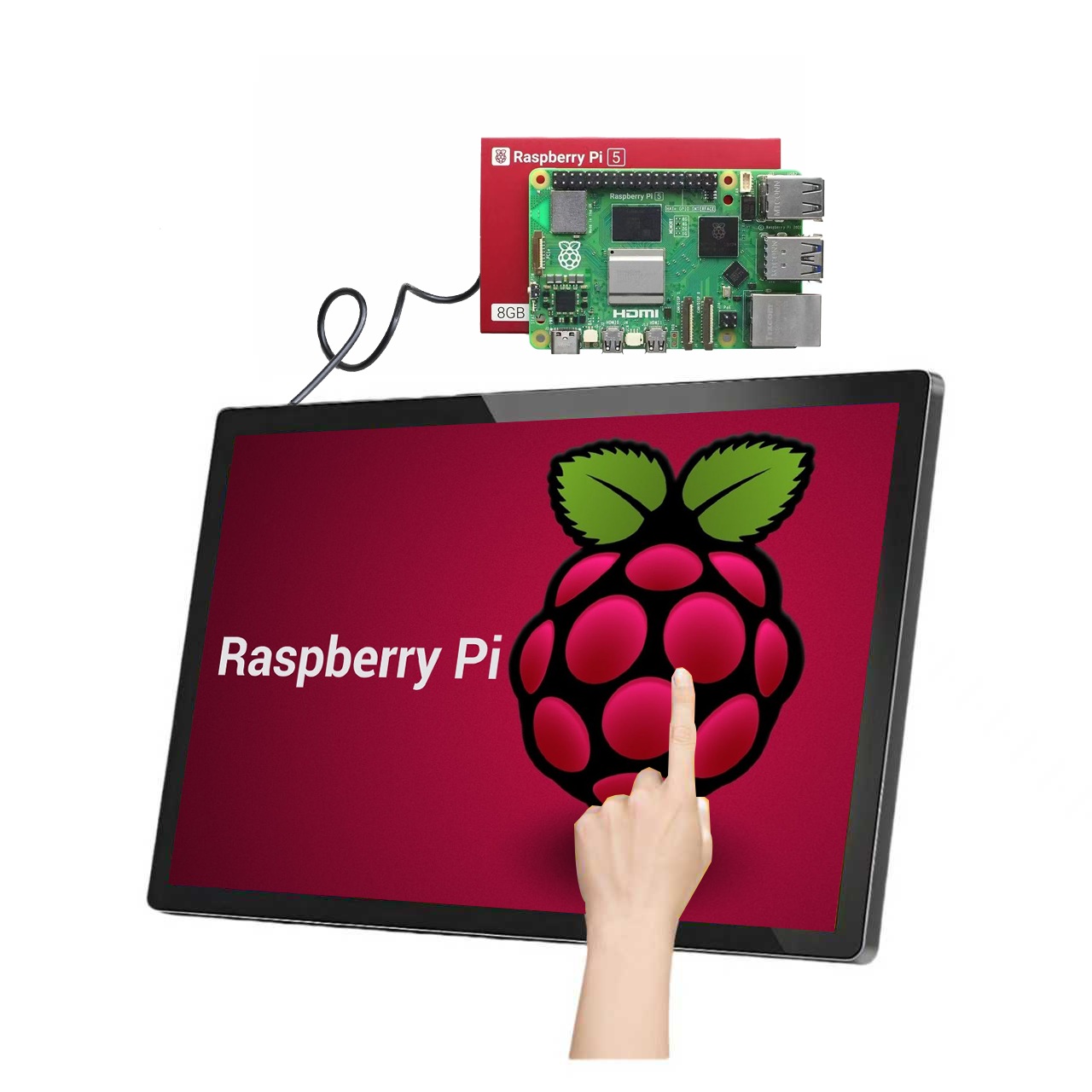
Start with the application, operating system, computing device, and expected touch gestures. A Windows workstation, Android device, Raspberry Pi, or media player may require different video outputs, drivers, power arrangements, and startup behavior.
HDMI and VGA video inputs with USB touch output are available. Alihh’s current touch monitor pages also show model-specific combinations that can include DP or DVI, so the purchase specification should name every required port rather than assuming one interface set applies to all sizes.
Test the sample with the actual host, software, cables, enclosure, and user workflow. Check touch alignment, edge response, gesture behavior, image stability, startup sequence, port access, and heat clearance over the expected operating period.
For desktop, kiosk, educational, or interactive applications, browse the Alihh capacitive touch monitor range and confirm the interfaces, dimensions, and other specifications required for your project.
Alihh offers capacitive touch monitors for projects that need a display and touch interface without a built-in operating system. The product lists 10-point capacitive touch, USB touch output, external-system compatibility, and open-frame or wall-mounted installation options.
Provide the intended host system, required interfaces, display size, resolution, brightness, installation method, order quantity, and expected operating environment.
When these inputs are ready, contact Alihh for a configuration review rather than selecting a monitor from screen size alone. A complete project brief makes the technical recommendation more useful.
The right capacitive vs resistive touch screen choice follows the workflow. Select capacitive technology when the project prioritizes light-touch response, multi-touch gestures, clear presentation, and a modern customer-facing experience; consider resistive technology when pressure input, a simple stylus, or ordinary-glove operation is the defining requirement.
For system integrators, the decision should then move from touch technology to the complete specification: host compatibility, interfaces, mounting, brightness, resolution, service access, and configuration-specific documentation.
Alihh can support the capacitive side of that decision with system-free touch monitor options designed for external integration.
A: Some capacitive systems can support specific gloves, but compatibility should never be assumed from the technology name alone. Test the exact glove material, screen configuration, and software interface before ordering. If ordinary glove operation is mandatory and no compatible capacitive configuration is verified, a pressure-sensitive resistive interface may be easier to specify.
A: Confirm the host device’s video output and the monitor’s separate touch connection.
A: Yes. Alihh identifies Raspberry Pi as a supported external platform for its system-free capacitive touch monitors.