We are committed to delivering high-quality LCD displays and digital signage solutions, combining reliable performance, competitive value, and professional support to help businesses communicate more effectively.
We are committed to delivering high-quality LCD displays and digital signage solutions, combining reliable performance, competitive value, and professional support to help businesses communicate more effectively.
 author
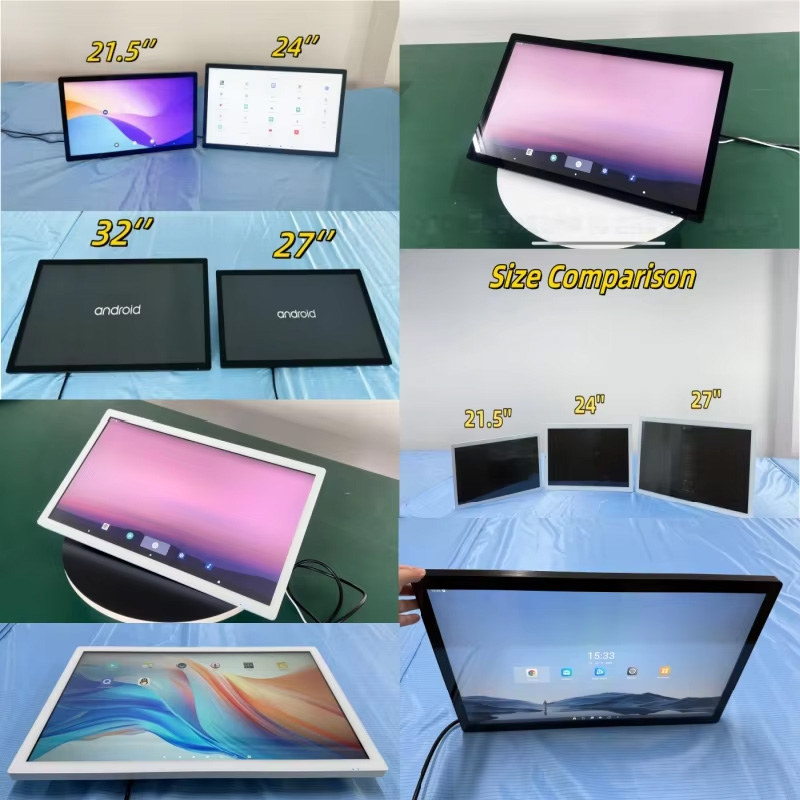
Start with a full-size cardboard outline. A 21.5-inch all in one touch screen can sit comfortably on a counter; swap in 32 inches and the same user may lean forward.
The computer belongs in this early decision. Alihh’s range covers 21.5- to 32-inch Android and Windows all-in-ones as well as monitors. With the former, the application runs inside the display assembly. With the latter, video and touch still travel to an outside host.
Fix it to a wall or temporary stand, mark the normal eye line, and repeat the task seated. A top-corner checkout control may be unavailable from the lower eye line of a child or wheelchair user.
At the glass, 21.5 inches carries a detailed transaction comfortably. Across a lobby or queue, 32 inches gives words and pictures a head start. Stretching the old interface wastes that advantage.
Mock up an order point, registration desk, assisted checkout, or machine panel at 21.5 inches first. It holds normal finger targets and readable prompts without swallowing the worktop. On a compact mount, a tap near the rim also produces less rocking.
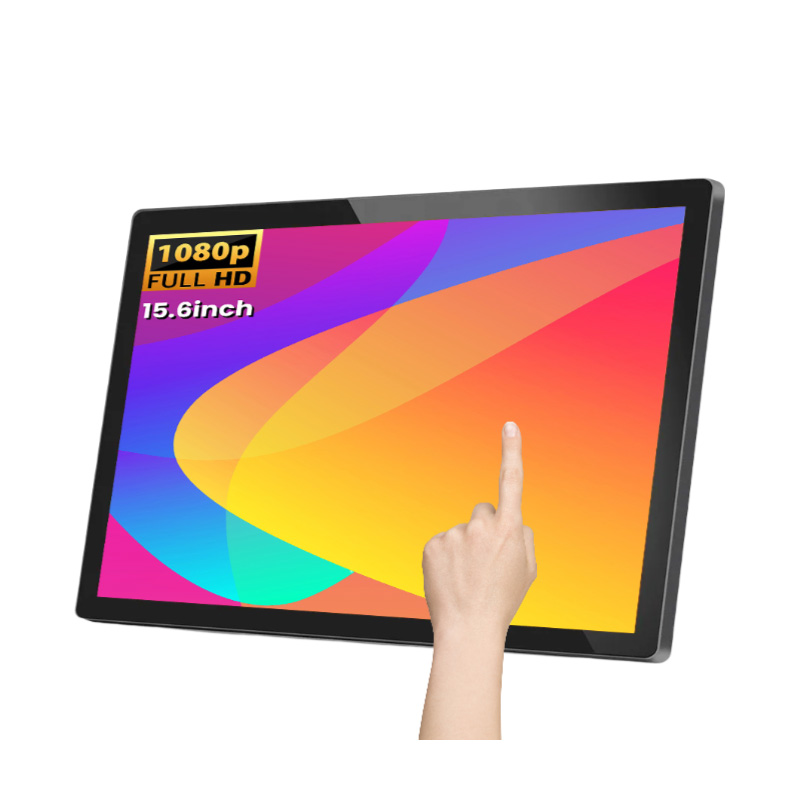
Alihh’s 21.5-inch capacitive touch monitor takes its Windows, Android, or Linux content from separate equipment. A machine builder can therefore keep a known controller, or change the computer later without replacing the panel. For a self-contained application, carry the same reach measurements over to an integrated Android or Windows model.
Try 24 or 27 inches when the smallest layout feels pinched but the site cannot accept 32. Two products can keep their labels beside them, or an order summary can stay visible.
Do not spend that area on another row of options. Reserve the natural touch zone for the next action and let images, status, or help occupy the outer space. The gain should be easier scanning, not a busier screen.
The larger unit should earn its floor space before the customer arrives. A queue can read prices earlier; a map can retain nearby landmarks; retail imagery can sit beside the controls.
Then push on each corner of the mock-up and watch the stand. Review mounts, cable bends, service doors, air paths, and the active-image height. A flexing cabinet is unpleasant to use. Heat and buried connectors create the longer-term cost.
Android can keep a single-app, browser, or managed-playback build lean. Test the exact release with all peripherals, including remote update and recovery, before deployment.
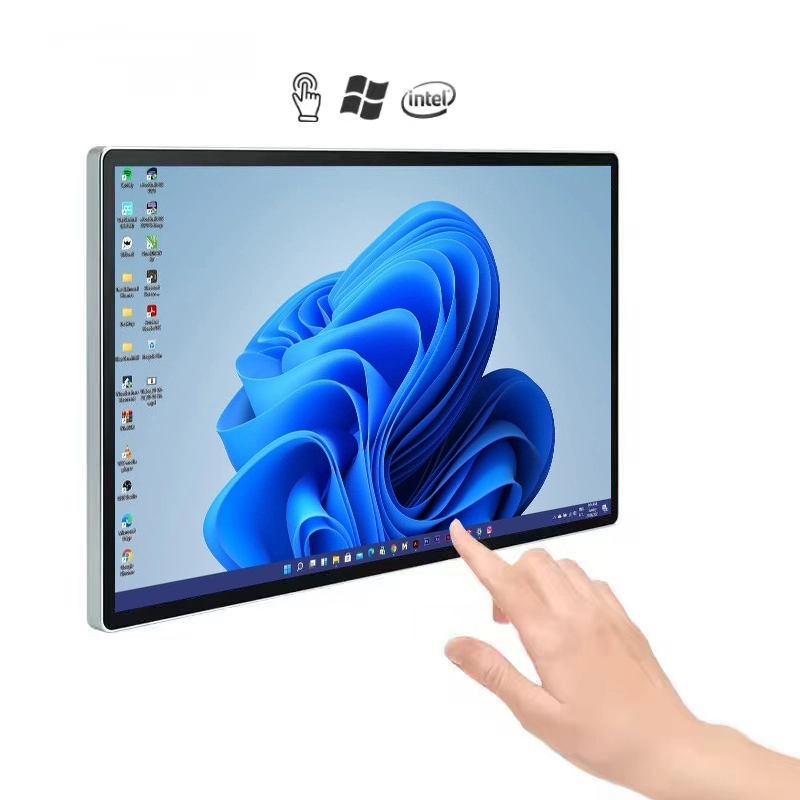
Windows may be required by desktop software, x86 code, management tools, or a particular driver. Alihh shows both choices in its all-in-one touch PC overview. Test each named peripheral on the proposed build.
Run the application on the proposed hardware when possible, documenting load, memory, storage, network, ports, updates, and support.

Capacitive touch feels familiar, but public use exposes the weak spots quickly. Test targets close to every edge, run the unit for the intended hours, and repeat the trial through the planned cover glass. Gloves and styluses require physical testing; the word “capacitive” does not guarantee either.
Draw a port map before the enclosure is frozen. A monitor normally carries video on one connection and touch on USB. An all-in-one eliminates the outside host, not the need for serviceable network and peripheral connections. Confirm HDMI or other video, USB, LAN, Wi-Fi, and Bluetooth line by line for the selected board.
For a screen that runs all day, mark the intake and exhaust on the cabinet drawing. Keep the power supply where a technician can actually reach it. The drawing should also show how the panel and computer board come out. Nobody notices that work at launch; everyone notices its absence during repair.
Alihh presents its commercial LCD display for kiosks, interactive units, custom LCD projects, and signage. Replace a request for a “standard kiosk screen” with daily hours, light level, orientation, enclosure files, application, network, peripherals, and repair approach. The resulting quotation will be much easier to evaluate.
An all in one touch screen should be approved against the real software, viewing position, enclosure, peripherals, service access, and daily operating schedule.
Approve the size only after a full-scale run-through. Try 21.5 inches for a close transaction, 24 or 27 when the content truly feels pinched, and 32 when the screen has work to do at a distance. Alihh can pair the chosen mounting and connections with Android or Windows hardware. A working interface and enclosure drawing are far more useful than a diagonal by itself.
A: Usually, when users stand close. Large buttons, choices, forms, and payment prompts can all fit. Put the sequence on a full-size mock-up at the proposed height; that test settles the question better than the number 21.5. Include the tallest and shortest expected users.
A: Choose it for a menu, map, or promotion that must be understood on approach, or for an image-led task. Then check reach and push on the stand. Heat and service doors need review as well. A confirmation button outside easy reach is evidence that the layout needs work.
A: No; its Android or Windows computer sits in the display assembly. A touch monitor is the version that sends video and touch to an outside host. Keeping them separate is sometimes intentional because the panel and computer age at different rates.
A: Follow the software. Android may suit one focused app or media task, while desktop code or a particular driver can make Windows necessary. The approved configuration should name the exact OS and include processor, memory, storage, ports, and remote updates.
A: Supply the candidate size and interface, viewing and touch distances, orientation, cabinet drawing, application load, peripherals, network, daily schedule, ambient light, and repair plan. Those details give the supplier a device to evaluate rather than a bare panel size. Add the required certifications.